FreeLaserCut
Clone of LightBurn
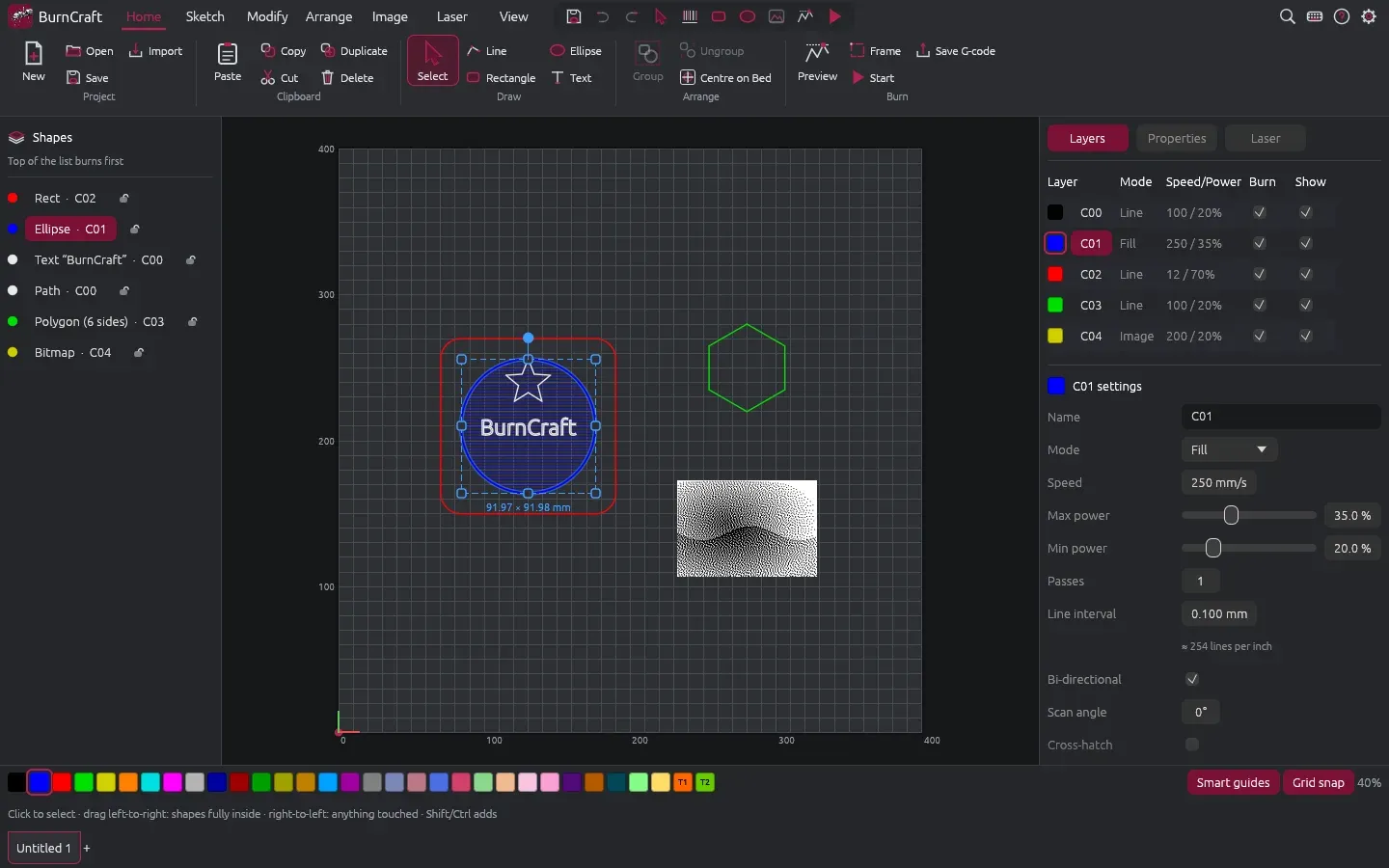
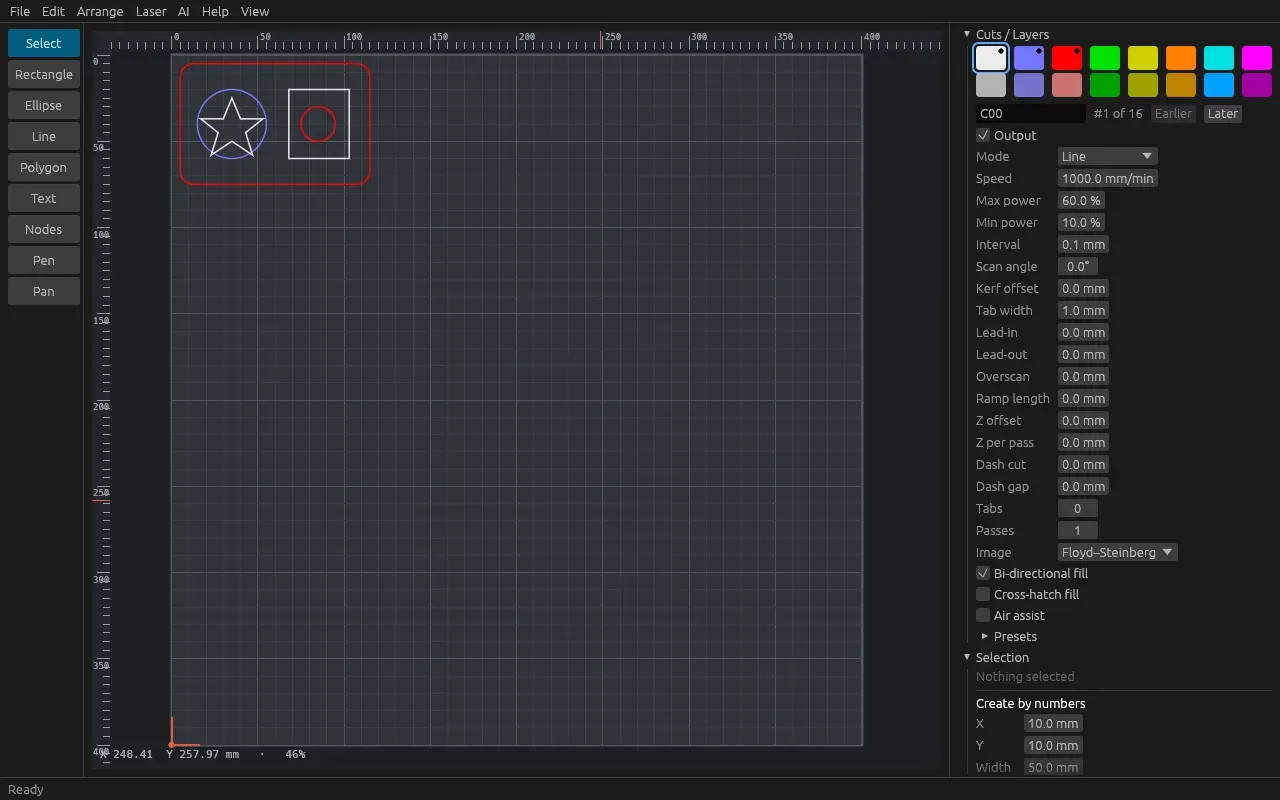
Free laser engraving and cutting software for GRBL lasers that opens .lbrn2 project files and has a Classic interface.
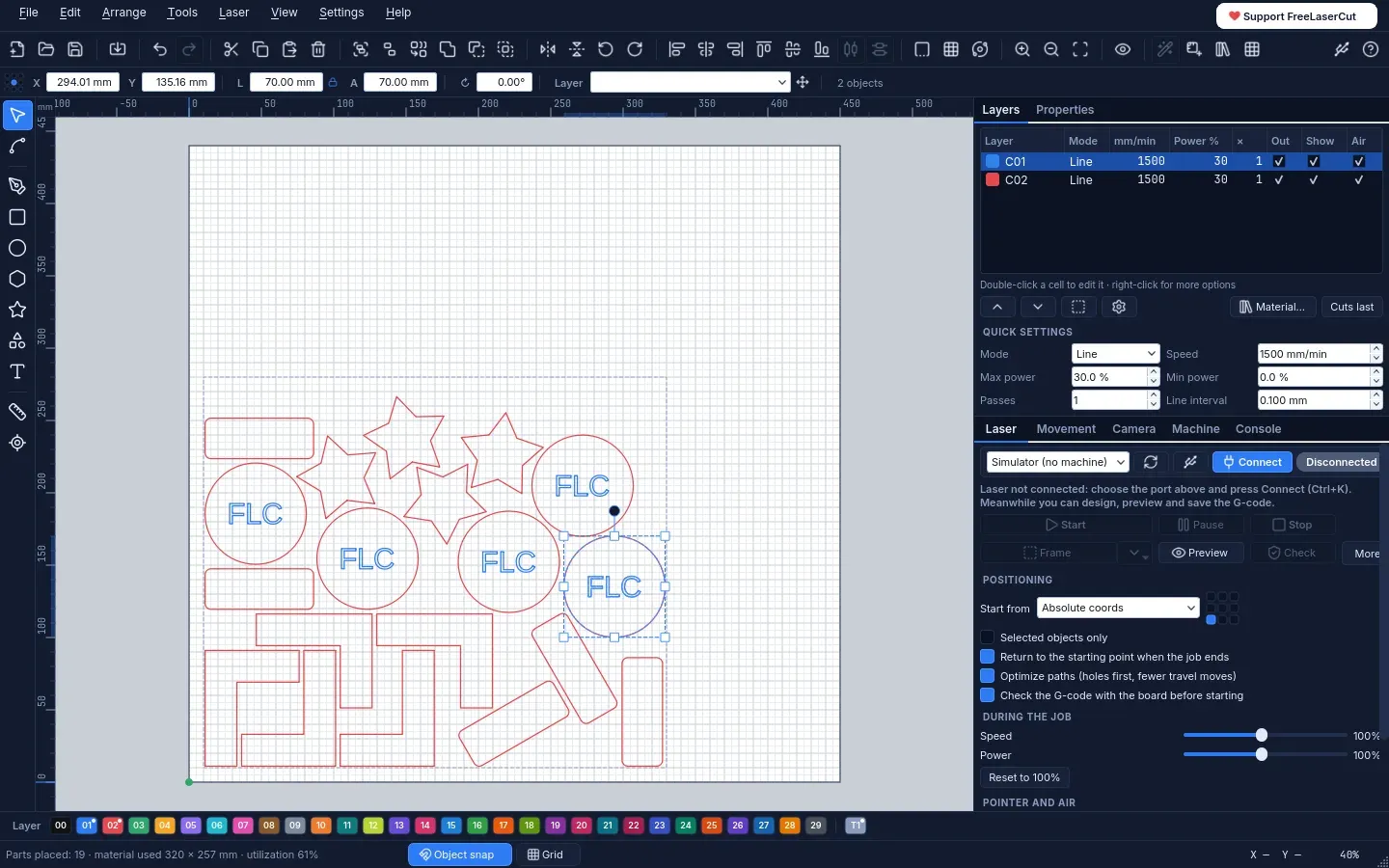
Image: FreeLaserCut
What works the same as LightBurn
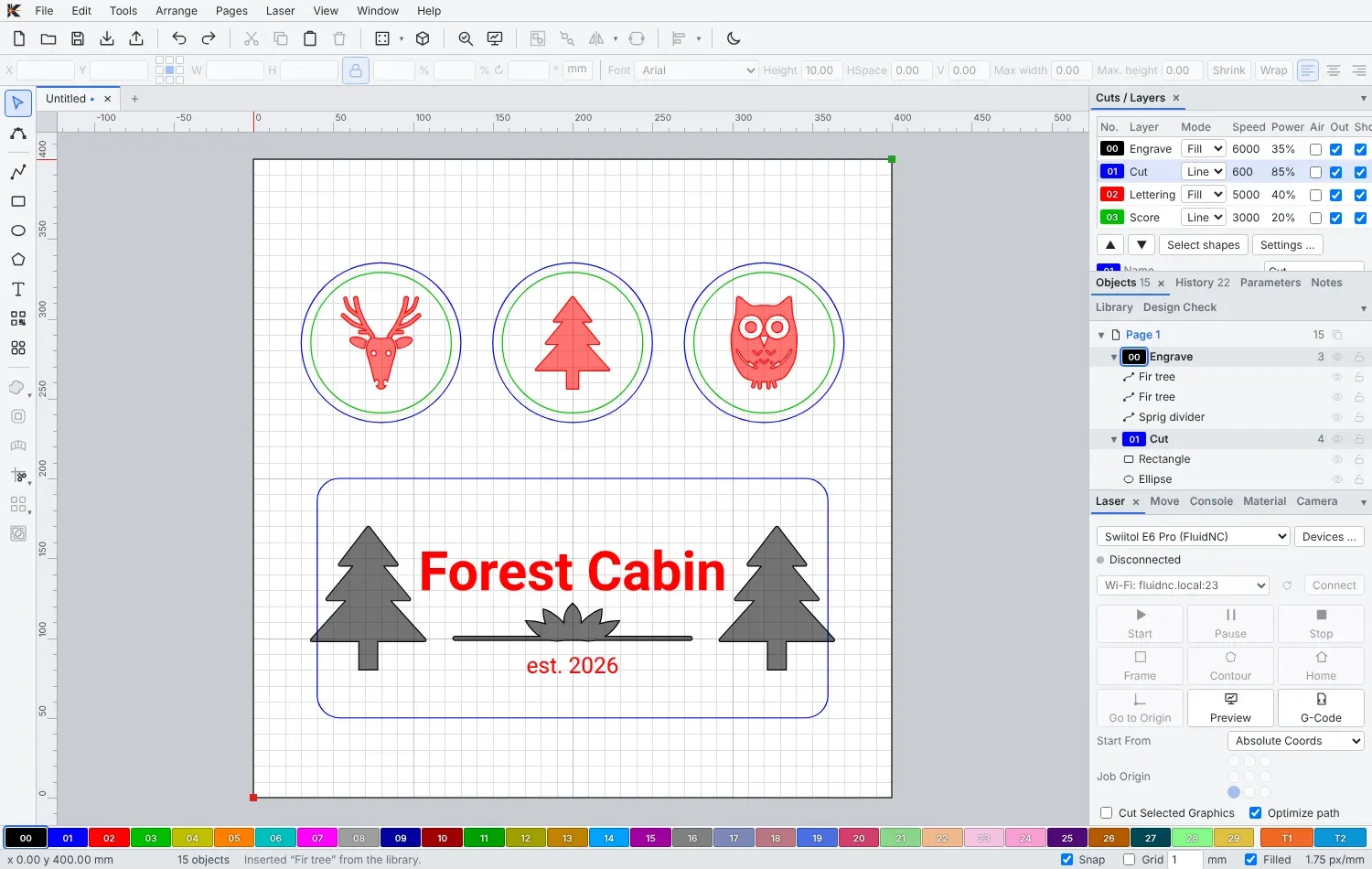
- The Classic interface has a layers table with mode, speed and power, and a laser panel with Connect, Frame and Preview.
- It opens .lbrn2 project files and the old .lbrn ones, bringing in shapes, groups, positions and layers.
- It works with any GRBL laser, with ready-made profiles for Longer, Ortur, xTool, Atomstack and more.
What is missing
- The project documentation is in Italian.
How to get started
- Open the Releases page. It lists the Windows installer and the Linux AppImage.
- Run the installer. If Windows warns you, choose More info and then Run anyway.
- Or run from source: double-click run_freelasercut.bat. The first time it installs what it needs by itself, which takes a few minutes.
Compatible files
LightBurn files (.lbrn, .lbrn2) According to the project