Inca
Clone of Maya
Free 3D modeling, animation and rendering app that recreates the workflow and layout of Maya, with menu sets, shelves and a Channel Box.
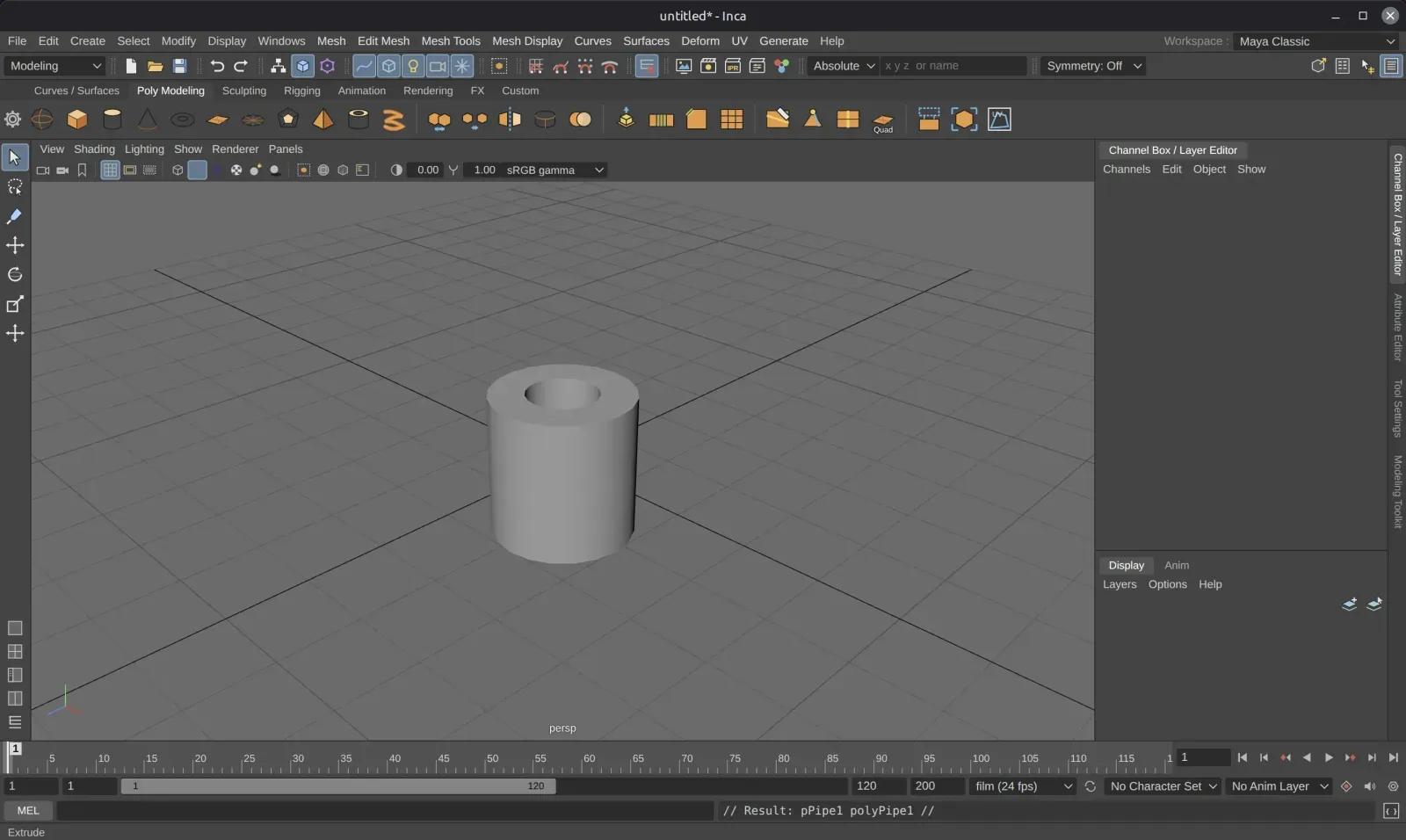
Image: Inca
What works the same as Maya
- Menu sets for Modeling, Rigging, Animation, FX and Rendering, and shelves with tabs like Poly Modeling and Sculpting.
- A Channel Box and Layer Editor, an Attribute Editor, an Outliner and a Time Slider.
- Polygon modeling with extrude, bevel, bridge, multi-cut and edge loops, and construction history.
- A command line and a Script Editor for MEL and Rhai.
- A hotbox on Space, marking menus on right-click, and Alt-mouse camera controls.
What is missing
- References and proxies are planned, not built yet.
- Panels can't be docked freely yet, and custom workspaces can't be saved.
How to get started
- Click Download and pick the file for your computer: the portable .exe or the .zip for Windows, the .dmg for Mac or the AppImage for Linux.
- On Windows, double-click the .exe. If Windows warns you, click More info, then Run anyway.
- On Mac, drag Inca into Applications. The first time, choose Open Anyway in Privacy & Security.
Compatible files
Maya projects Not tested yet