Aztek
Clone of Maya
Free 3D app for modelling, UVs, rigging and animation that behaves like familiar 3D software, with its commands, hotkeys, menus and .ma files.
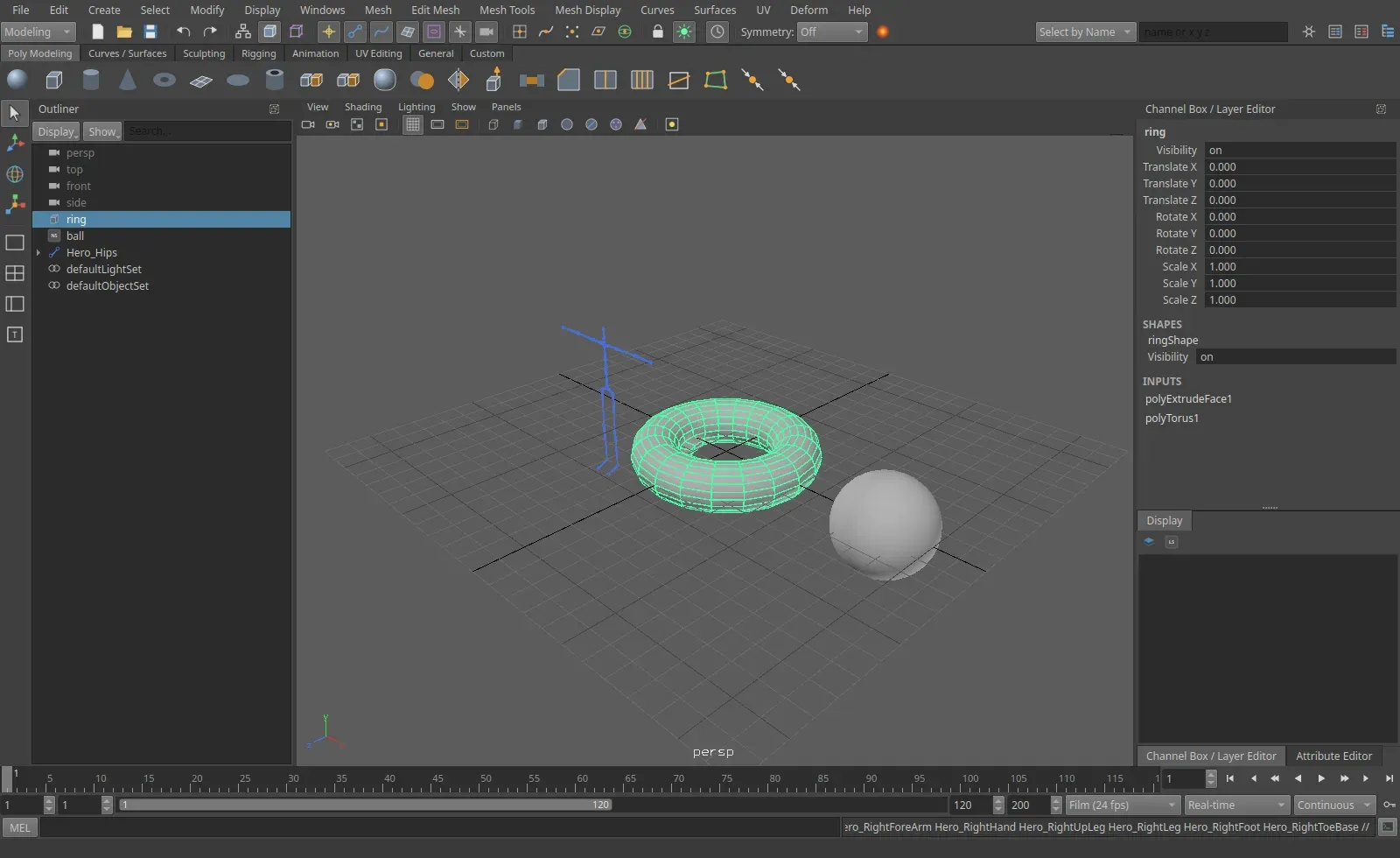
Image: Aztek
What works the same as Maya
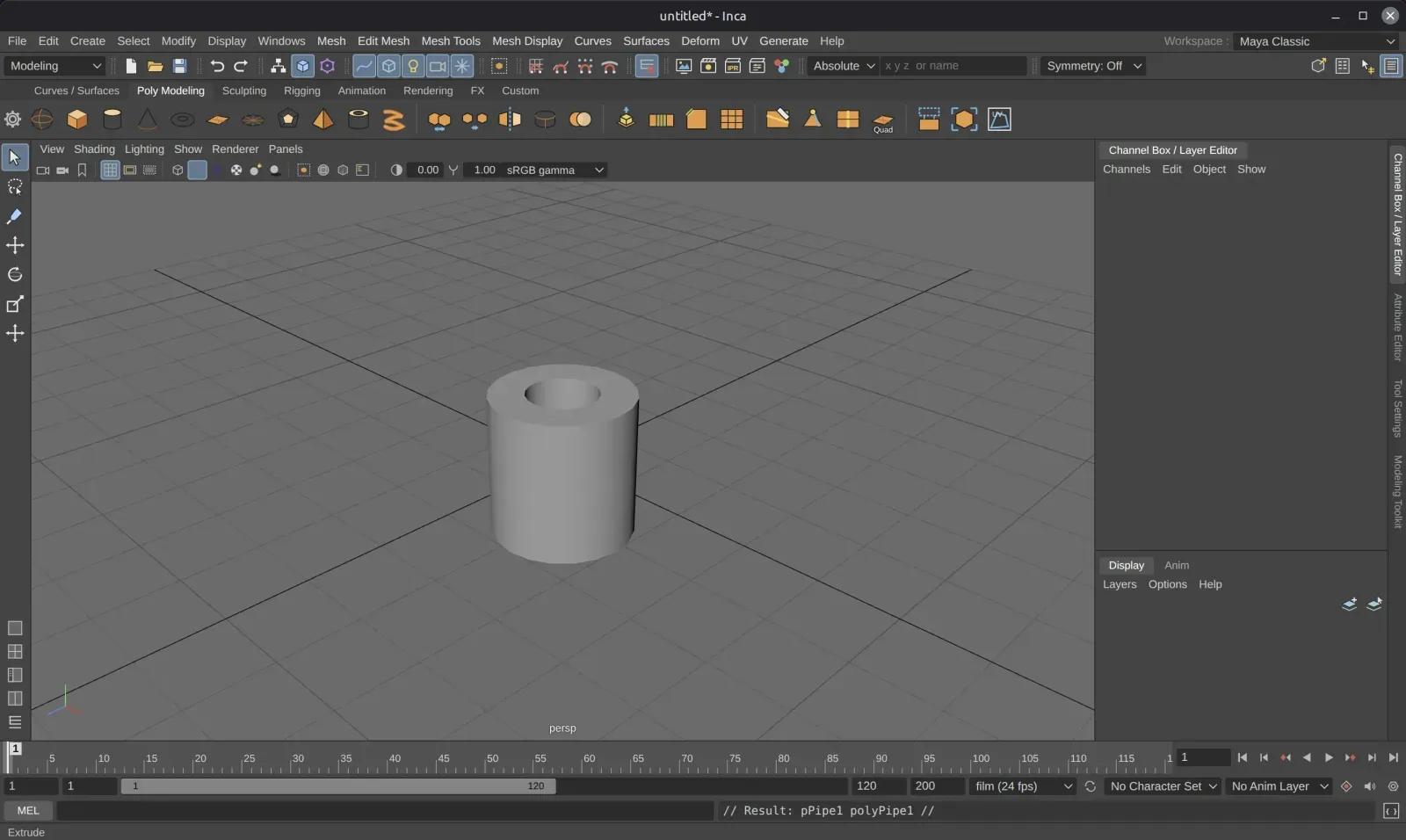
- A menu bar from File to Help, a mode selector with shelf tabs, an Outliner and a Channel Box with an Attribute Editor.
- A Time Slider with a Range Slider and playback controls, and a MEL command line at the bottom.
- Modelling, UV editing, rigging and animation with the same commands, hotkeys and menus.
- A MEL interpreter and Python scripting, with modules so existing scripts import unchanged.
- Opens and saves .ma and .mb scene files.
What is missing
- The Mac version is early: its viewport, menus and shortcuts haven't been checked yet.
How to get started
- Click Download and pick the file for your computer: the installer or the .zip for Windows, the .zip for Mac, or the AppImage or a package for Linux.
- On Windows, run the installer. It isn't signed, so Windows SmartScreen asks first.
- On a Mac with Apple silicon (macOS 14 or newer), unzip it, then right-click Aztek.app and choose Open the first time.
- The 3D view needs a Vulkan graphics driver.
Compatible files
Maya files (.ma, .mb) According to the project