Extrudo
Clone of Fusion 360
Free parametric CAD for 3D printing in your browser or on your computer: sketch, extrude, fillet and change one number to reshape the part.
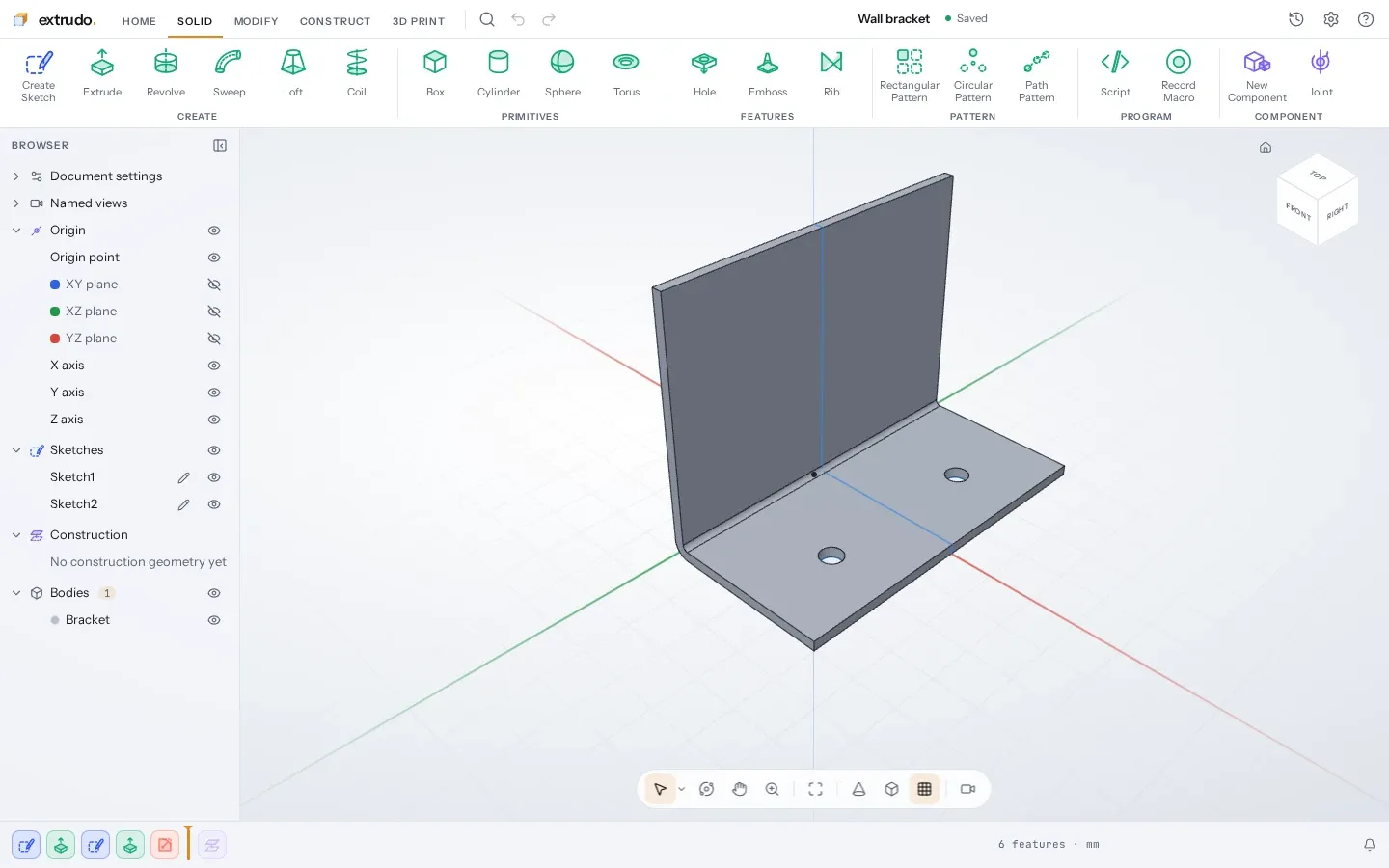
Image: Extrudo
What works the same as Fusion 360
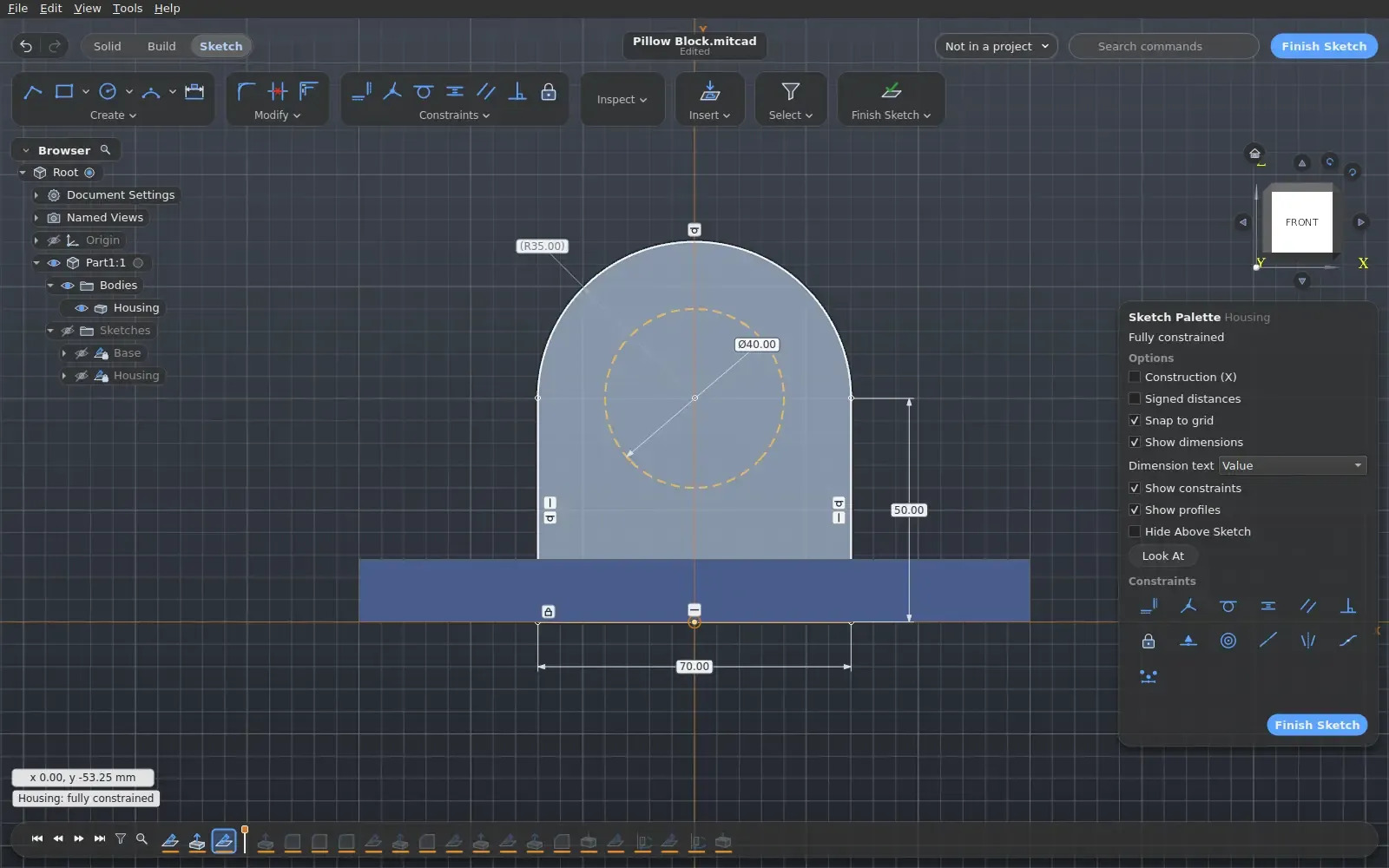
- Sketch a profile with constraints and dimensions, then pull it into a solid.
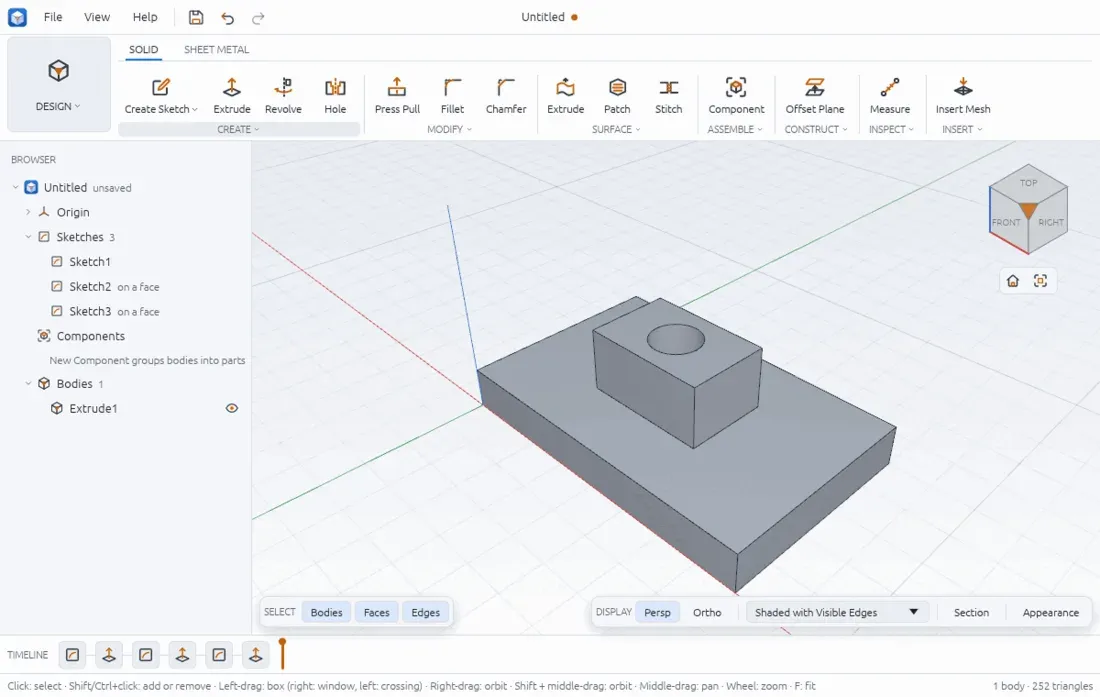
- A browser panel, a toolbar of Create tools and a timeline of every step.
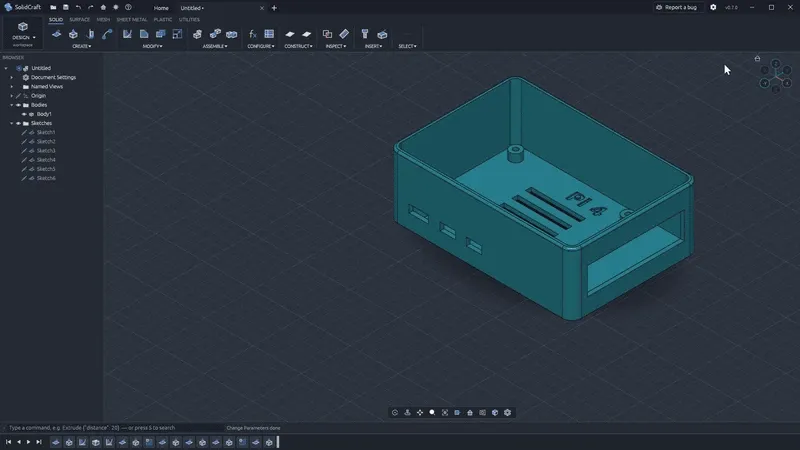
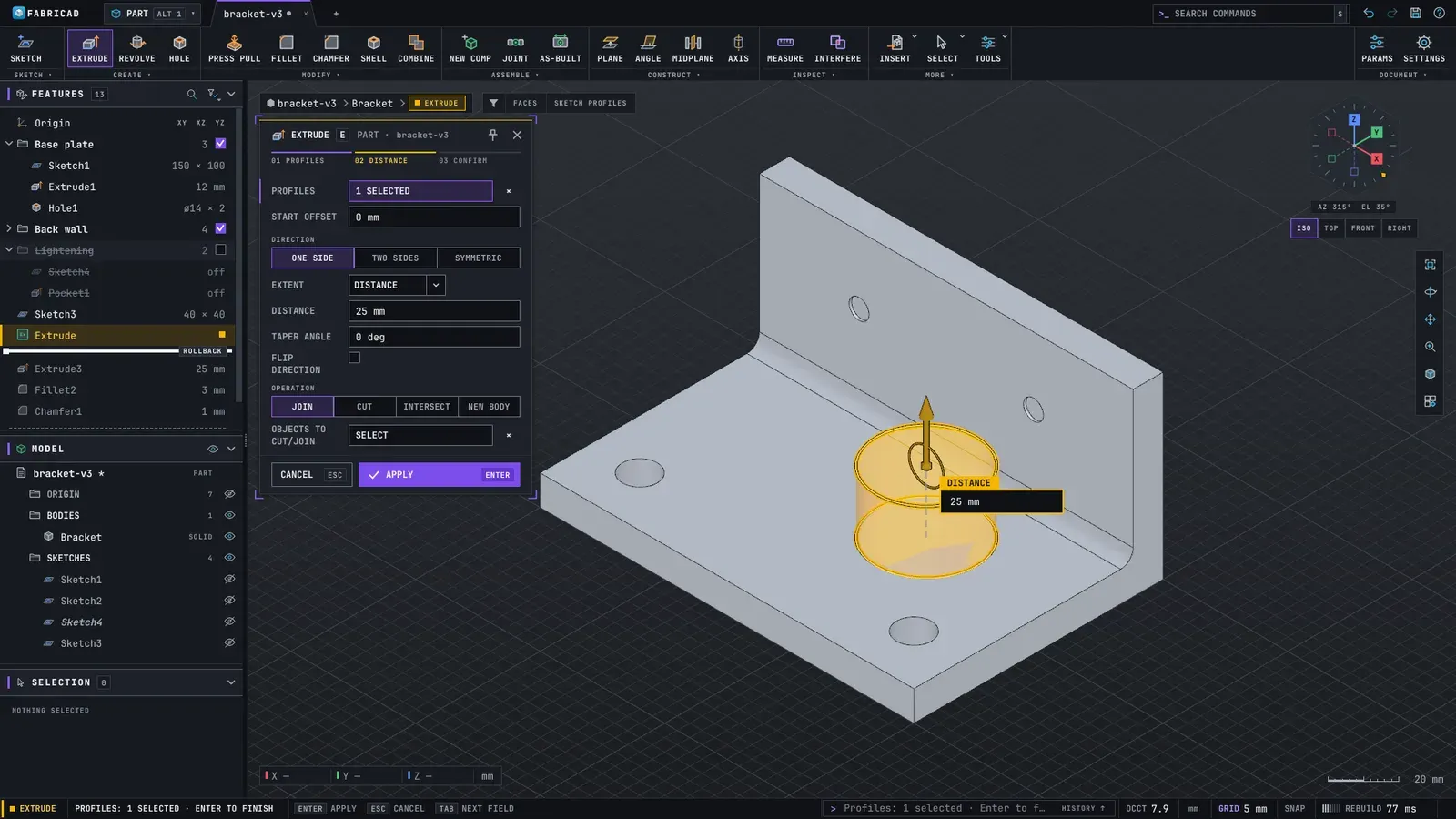
- Extrude, revolve, sweep, loft, fillet, chamfer, shell and holes.
- Opens .f3d designs as editable designs, and imports STEP files.
- Every number takes an expression with units, and you can roll back the timeline and edit.
What is missing
- Expect rough edges: some features are not built yet.
- In an opened .f3d design, a feature that can't be rebuilt comes in as the file's own body.
How to get started
- Click Open in browser. There is nothing to install, and it works offline once it has loaded.
- To use it as an app, add it to your home screen or desktop from the browser's menu.
- Prefer a desktop app? Get the version for Windows, Mac or Linux from the project page.
Compatible files
Fusion 360 files (.f3d) According to the project