Chamfera
Clone of Fusion 360
Model 3D parts in open source CAD written from scratch in Rust, with a workflow familiar to Fusion users.
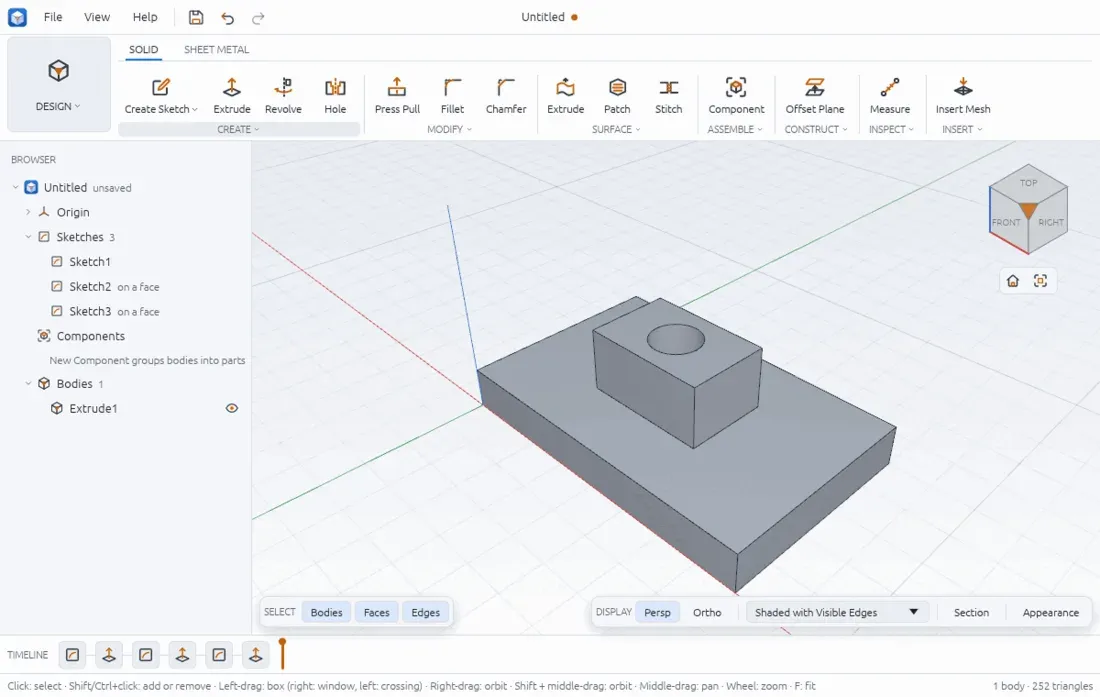
Image: Chamfera
What works the same as Fusion 360
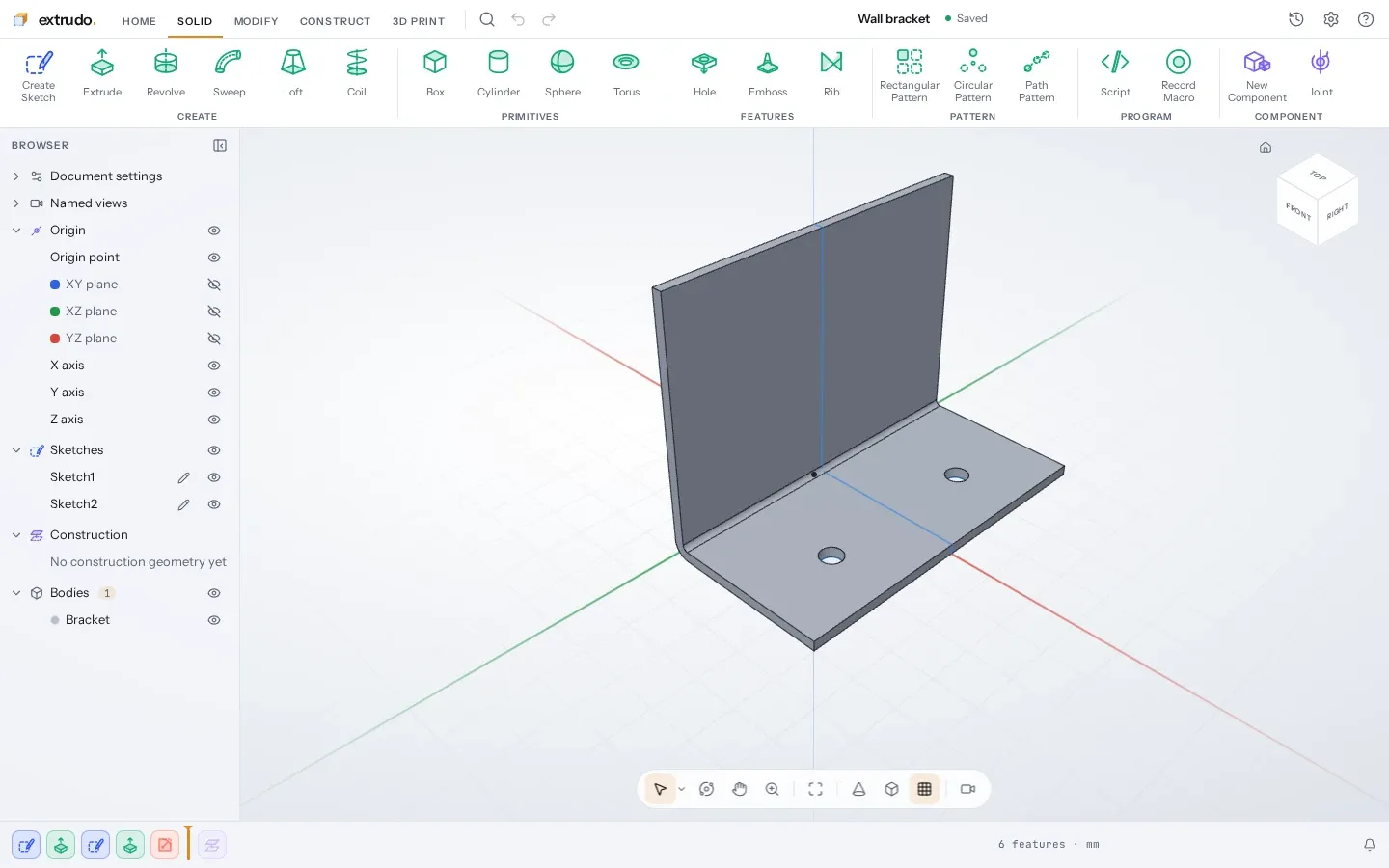
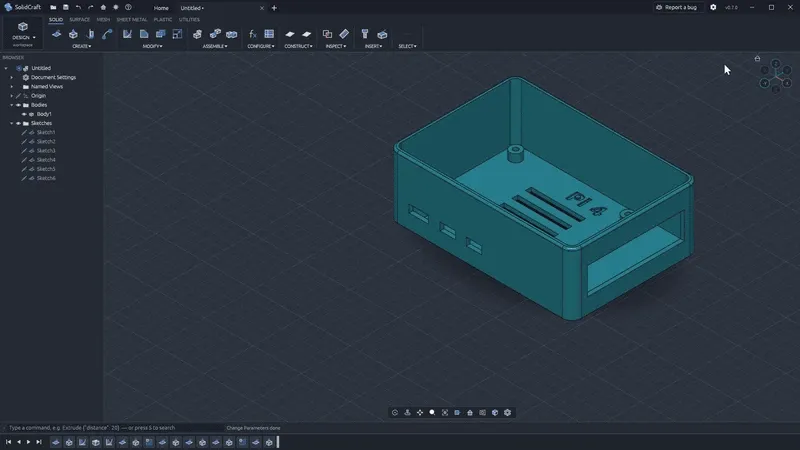
- A ribbon with SOLID and SHEET METAL tabs, and groups like Create, Modify and Assemble.
- A browser tree with Origin, Sketches, Components and Bodies, and a timeline along the bottom.
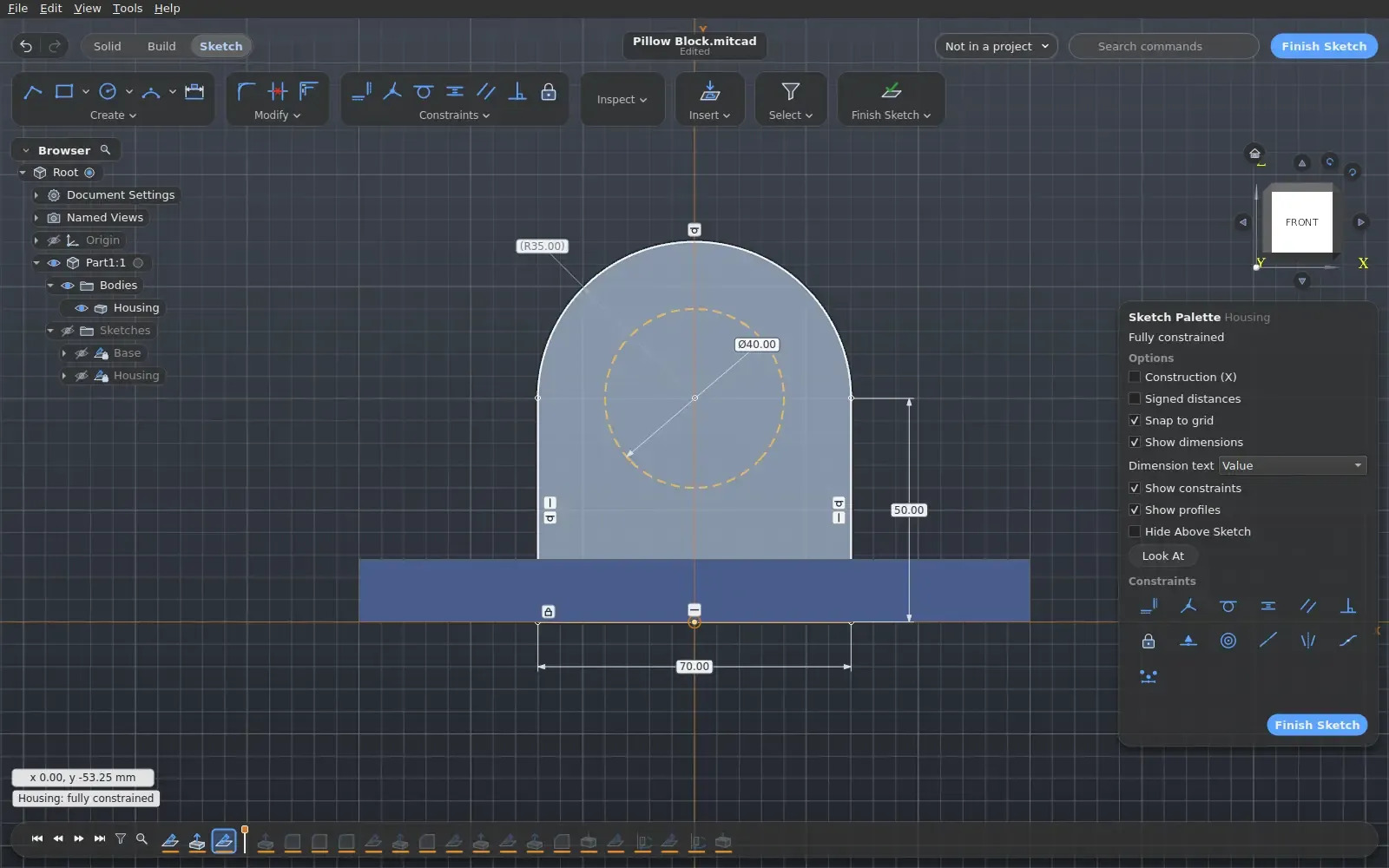
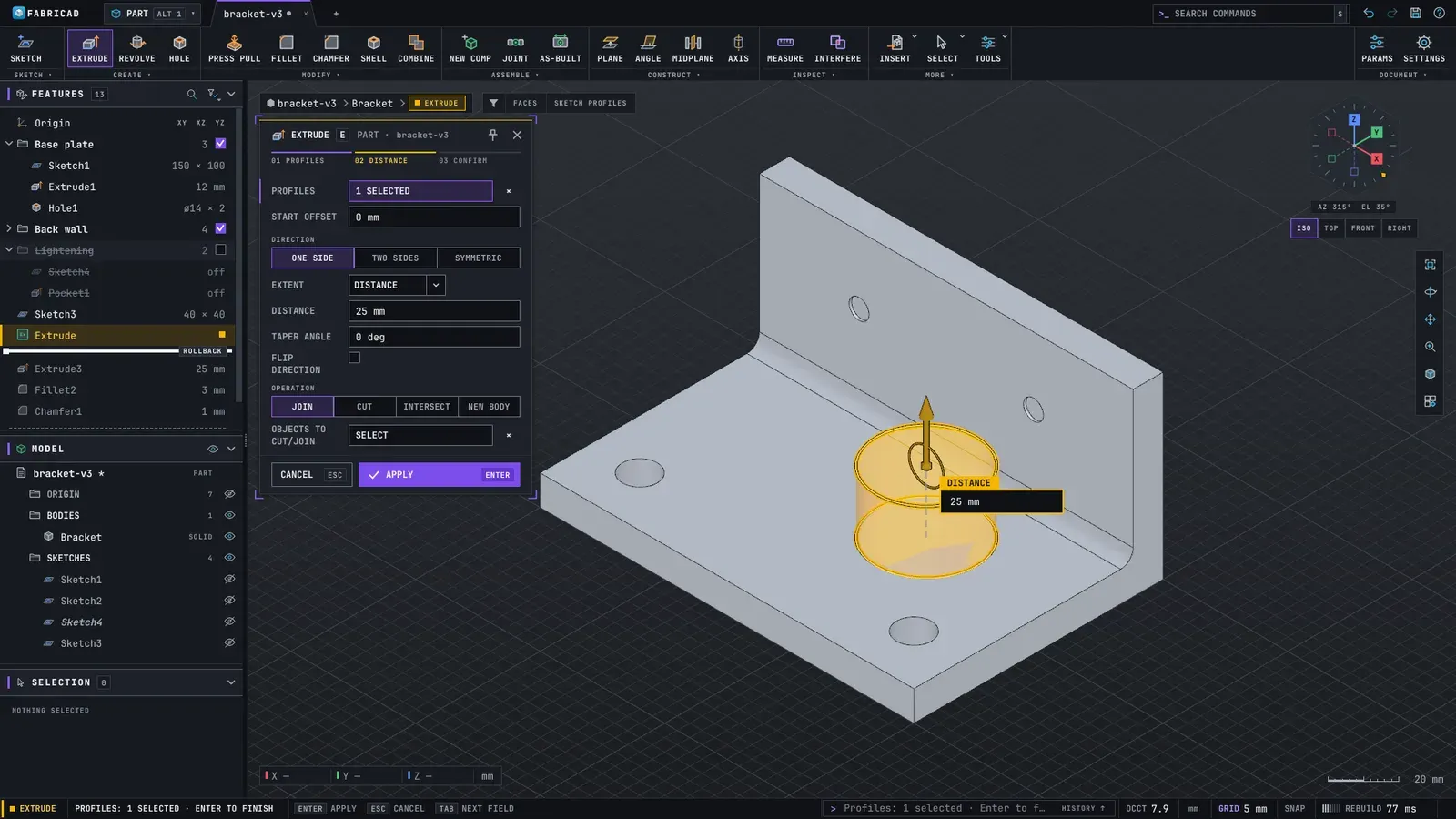
- Sketches with constraints and dimensions, then extrude, revolve, hole, fillet and chamfer.
- Components with joints and motion, and exploded views.
- A SHEET METAL tab next to SOLID, with flanges and a flat pattern.
What is missing
- Not yet a production tool: the kernel is young and refuses some shapes, such as fillets on curved or spline faces.
- CAM output is checked by tests and a simulation, but not yet by many real cuts.
- Renders are slow at high sample counts.
How to get started
- Download the file for your system from the versions page: a setup .exe or a .zip for Windows, a .dmg for Mac, or an .AppImage for Linux.
- Run the setup, or unzip the .zip and open Chamfera.
- Open Chamfera. It starts on the welcome screen, with a sample gallery.
- Pick a sample from the gallery, or choose Your first part for a guided tour.
Compatible files
Fusion 360 projects Not tested yet