Zri
Clone of Loom
Free, open-source screen recorder for Windows, Mac and Linux, with a camera bubble and click highlights, saved on your computer.
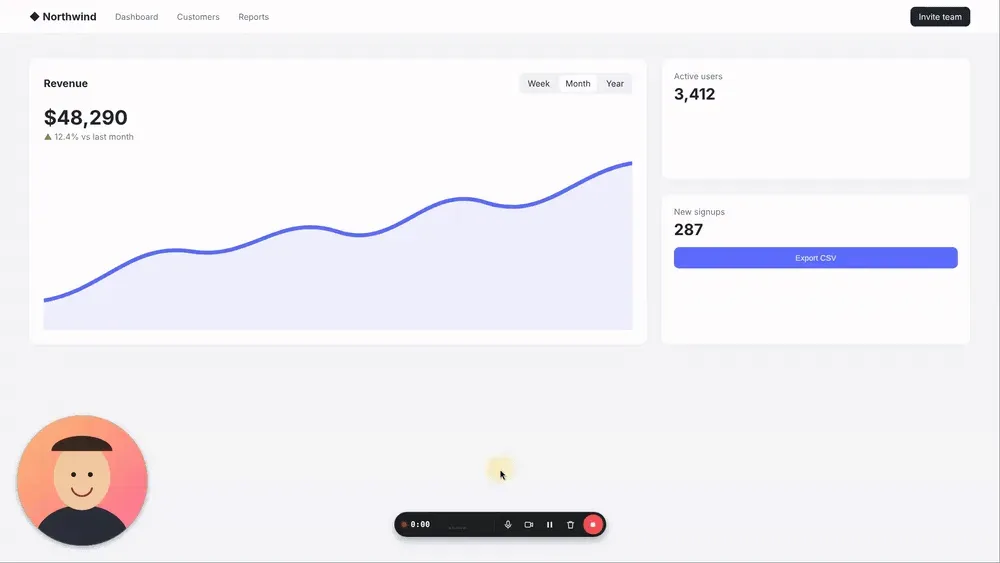
Image: Zri
What works the same as Loom
- A camera bubble you can drag anywhere, resize, and switch between circle, square and 16:9.
- A floating bar with timer, pause, mute, camera toggle and delete.
- A ring on every click, so viewers can follow the pointer.
- Recordings are saved as MP4 on your computer, with no account and no time limits.
What is missing
- No trimming before saving, and no sharing link yet.
- No automatic zoom on clicks yet.
- On Linux it works only in X11 sessions, not Wayland.
How to get started
- Open the project's releases page and download the Windows .zip, the Mac .zip or the Linux AppImage.
- On Windows, unzip it anywhere and run Zri.exe. If Windows warns about an unknown publisher, choose More info, then Run anyway.
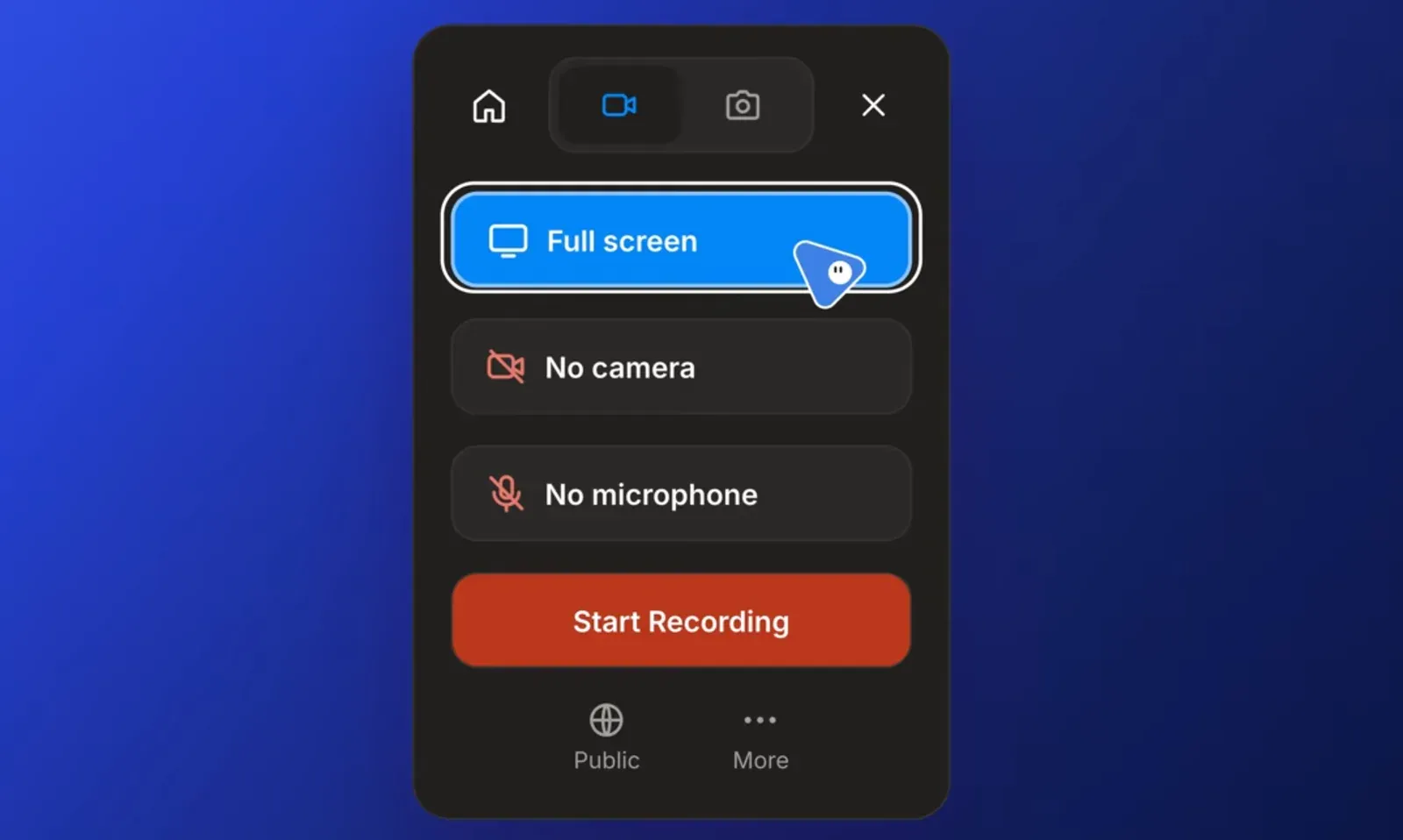
- Pick a screen, a camera and a microphone, then press Start recording.
- Stop from the floating bar. The MP4 lands on your Desktop.
Compatible files
Loom projects Not tested yet