WordCraft
Clone of Word
Free clean-room word processor written from scratch, with the ribbon, styles, tables and track changes you know.
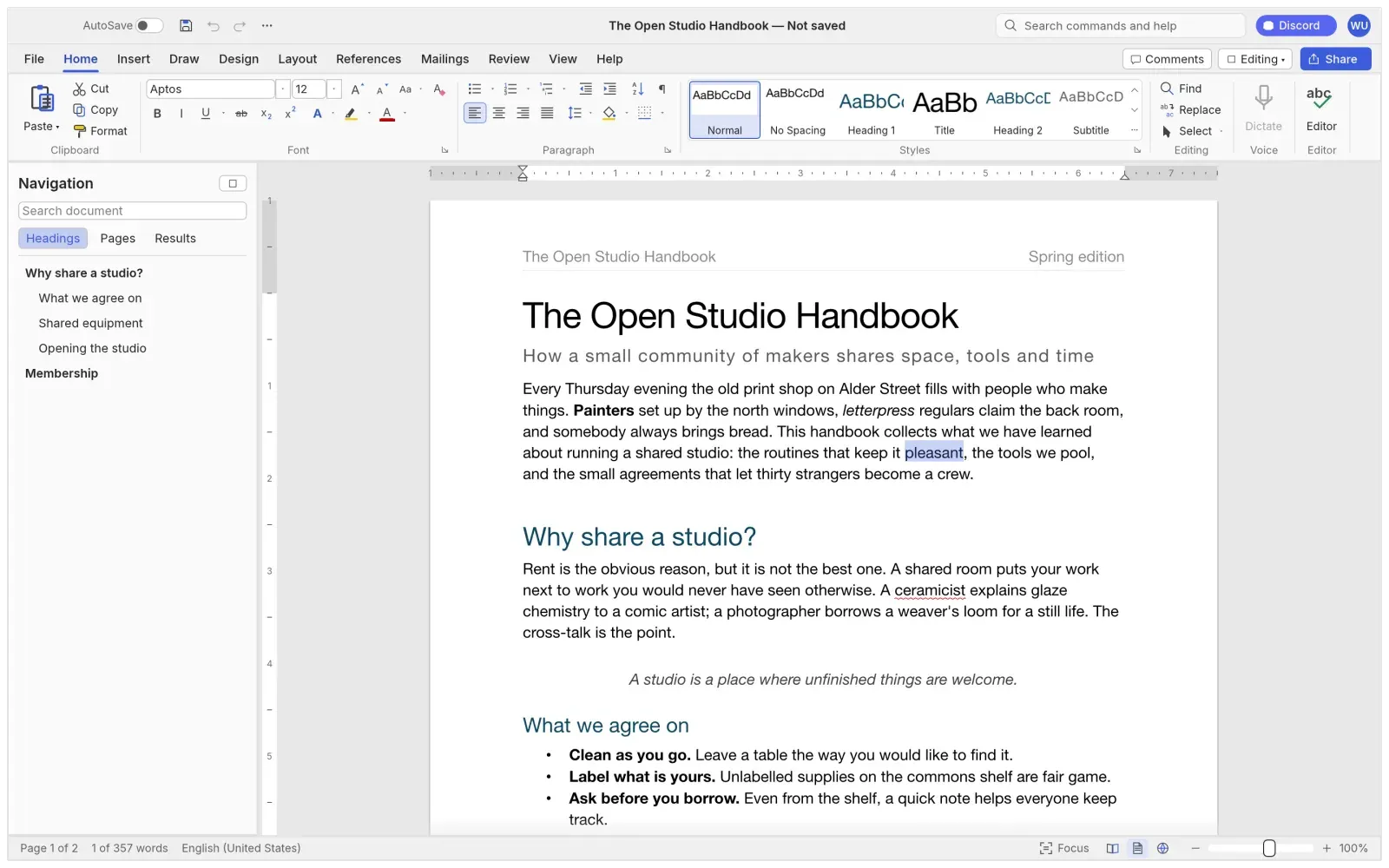
Image: WordCraft
What works the same as Word
- Ribbon tabs, groups and keyboard shortcuts.
- Opens and saves .docx files, and opens old .doc files.
- Track changes, references and mail merge.
- Live style previews in the Styles gallery.
- Exports PDF with selectable text, links and bookmarks.
What is missing
- It is an alpha version. The project puts it at about 63% for everyday essentials.
- Charts and SmartArt may not survive opening and saving a file.
- Page breaks are not yet fully faithful.
- Printing still needs work.
How to get started
- Click Download. It opens the WordCraft page on the ArtCraft site.
- Pick the version for your computer: Windows, Mac or Linux.
- Install it, open WordCraft and start a document or open a .docx file.
Compatible files
Word files (.docx, .doc) According to the project