PlanCraft
Clone of Project
Free desktop project planner with a task list, Gantt chart, milestones and resource sheet, built to feel familiar if you've planned before.
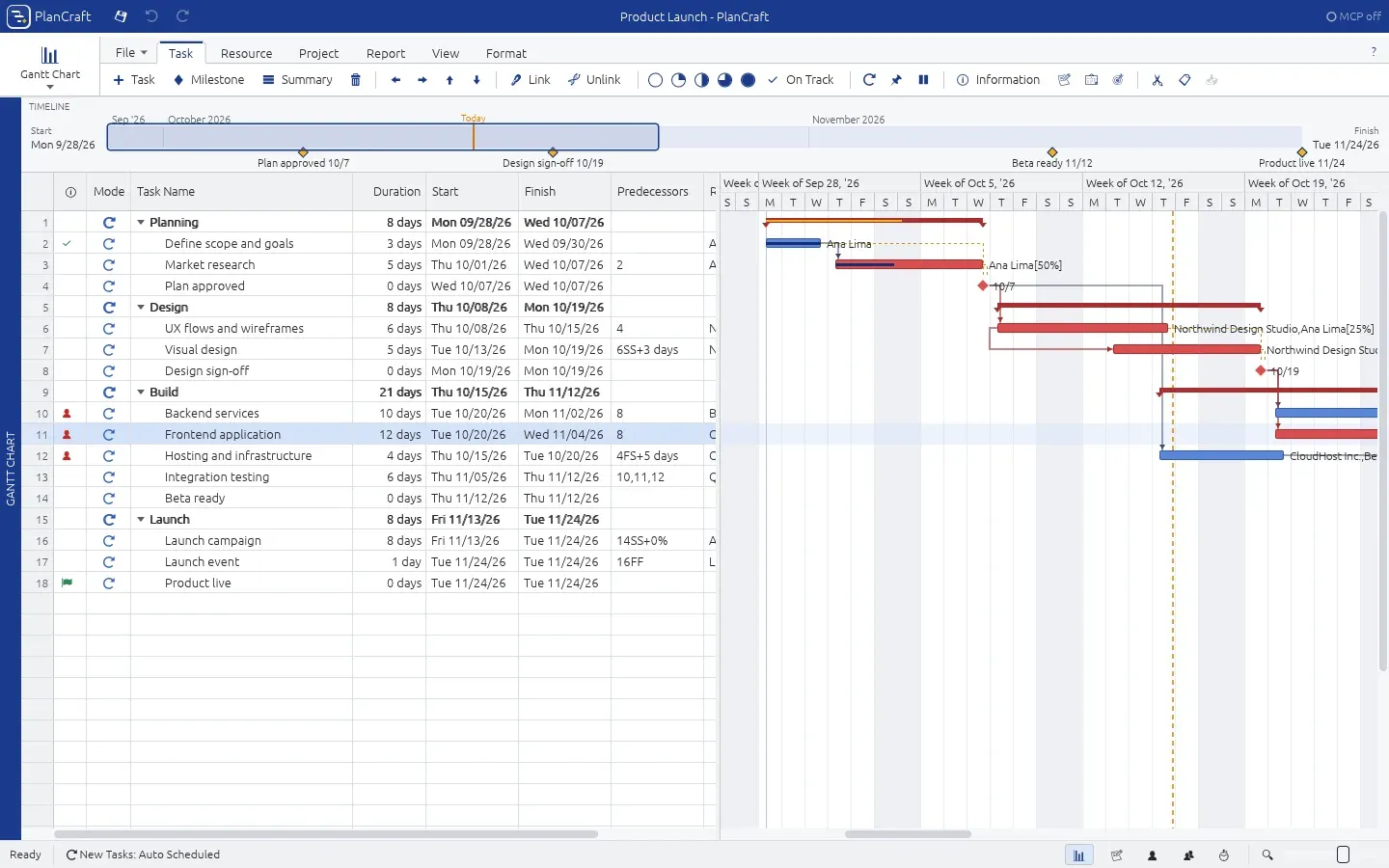
Image: PlanCraft
What works the same as Project
- A task list beside a Gantt chart: drag bars to reschedule them or stretch them to change a duration.
- Link tasks with leads and lags, and see the critical path.
- Ten views, from Gantt Chart and Tracking Gantt to Task Usage, Calendar and Resource Sheet.
- People with hourly rates, and Level All to spread out overbooked work.
- Save a baseline and compare it with the current plan.
What is missing
- It's an early preview.
- It isn't signed or notarized yet, so Windows and Mac warn you the first time.
How to get started
- Click Download and pick the file for your computer: the .zip for Windows, the .dmg for Mac or the .tar.gz for Linux.
- On Windows, unzip it and double-click PlanCraft.exe. The first time, click More info, then Run anyway.
- On Mac, drag PlanCraft into Applications. The first time, choose Open Anyway in Privacy & Security.
- On the Start Page, open the sample project or start a blank one.
Compatible files
Project projects Not tested yet