PixelCraft
Clone of Aseprite
Free pixel art and animation editor for Windows and Linux, built with Aseprite as its reference, that opens and saves Aseprite files.
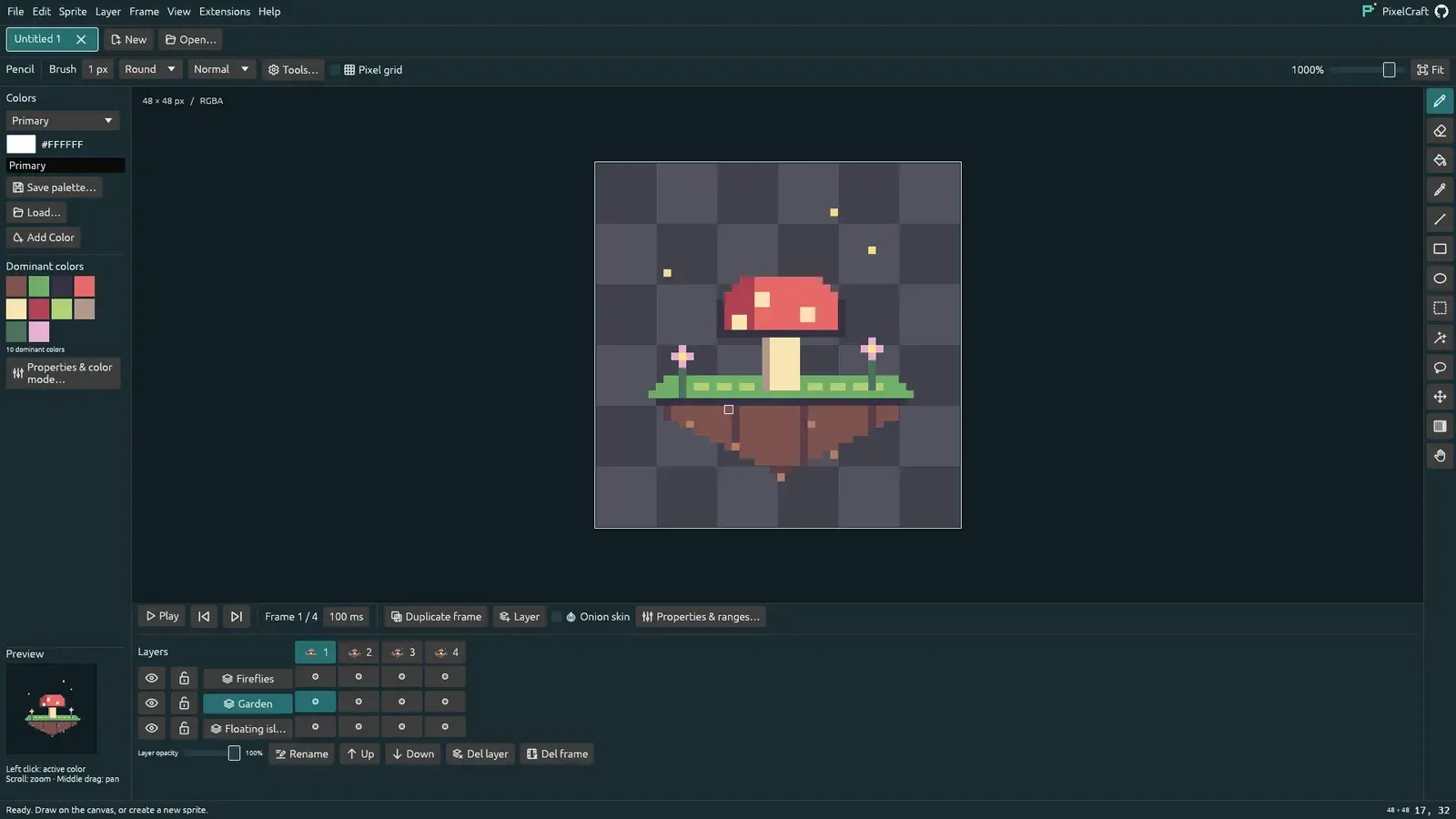
Image: PixelCraft
What works the same as Aseprite
- The same menus: File, Edit, Sprite, Layer, Frame, View and Help.
- Pencil, eraser, fill, eyedropper, line, rectangle, ellipse and selection on the keys B, E, G, I, L, U, O and M.
- Layers, groups and blend modes, in RGB, grayscale or indexed color.
What is missing
- It is an early version and not finished yet.
- It does not read every extra setting stored in Aseprite files.
How to get started
- Click Download to open the versions page.
- On Windows, run the Setup file. It is unsigned, so Windows may warn you about the publisher.
- On Linux, download the AppImage, make it executable in your file manager and open it.
- Start a new sprite, or open an Aseprite file you already have.
Compatible files
Aseprite files (.ase, .aseprite) According to the project