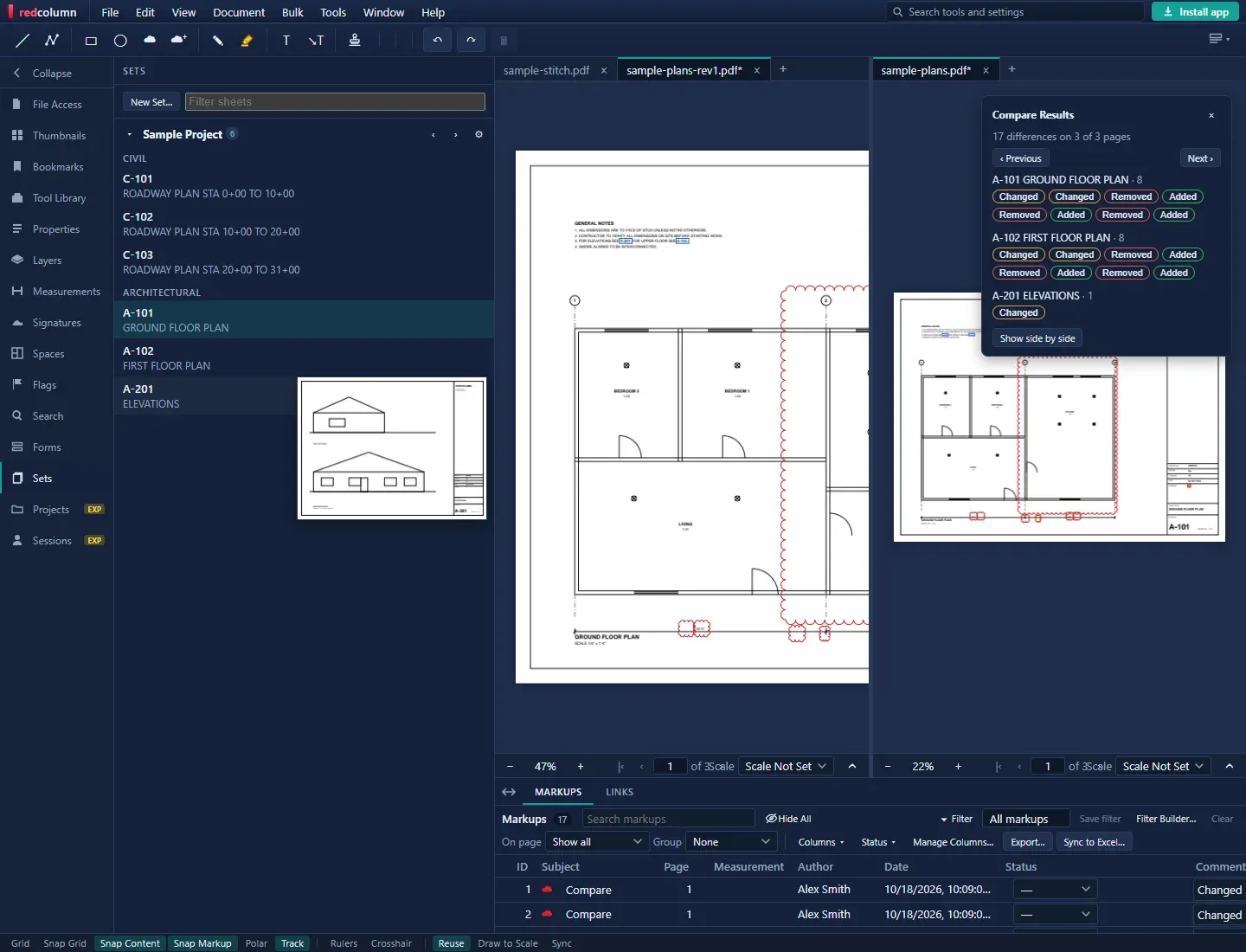
OpenRevu
Clone of Bluebeam Revu
Free PDF markup and takeoff tool that follows the Bluebeam Revu workflow: markups list, tool chest, calibrated measurements and drawing comparison.
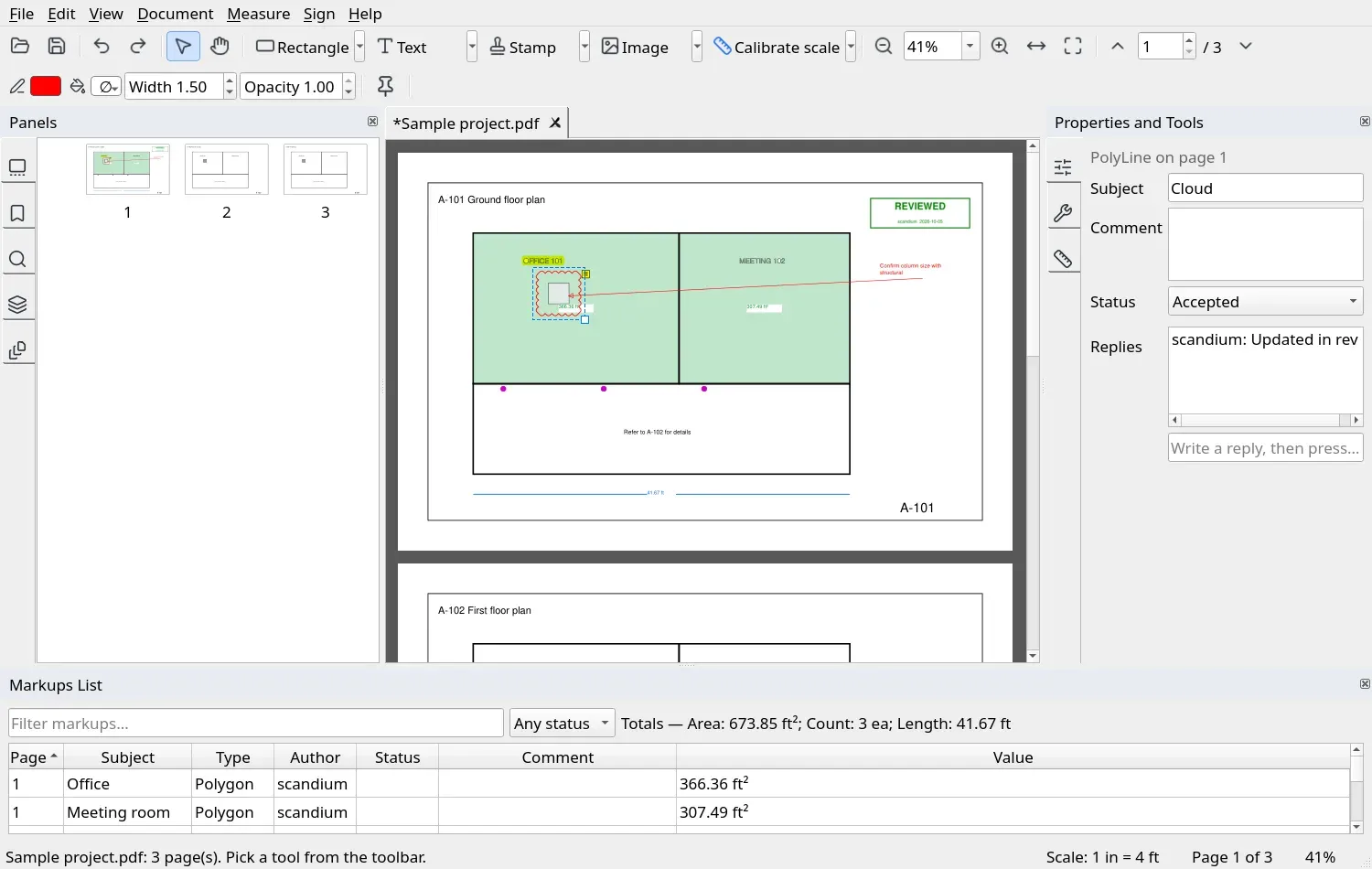
Image: OpenRevu
What works the same as Bluebeam Revu
- The Revu layout: thumbnails and bookmarks on the left, Properties and Tool Chest on the right, and the Markups List below the page.
- Calibrate a drawing, then measure lengths and areas.
- Markups with a status and replies, and a Markup Summary you can export to CSV.
- Reads Bluebeam .btx tool sets.
- Compares two versions of a drawing.
What is missing
- No real-time collaboration: to share a review, you send the PDF.
- It can't import .bpx or .bax tool files.
- Comparison doesn't understand the drawing and is slow on very large sheets.
- Nobody has tried it by hand on Mac or Windows yet.
How to get started
- There's no download yet, so it has to be installed with Python 3.9 or newer.
- Download the project and run pip install -e .[test] in its folder.
- Run openrevu drawing.pdf, or drag a PDF onto the window.
Compatible files
Bluebeam Revu files (.btx) According to the project