Narwhal 3D
Clone of Rhino
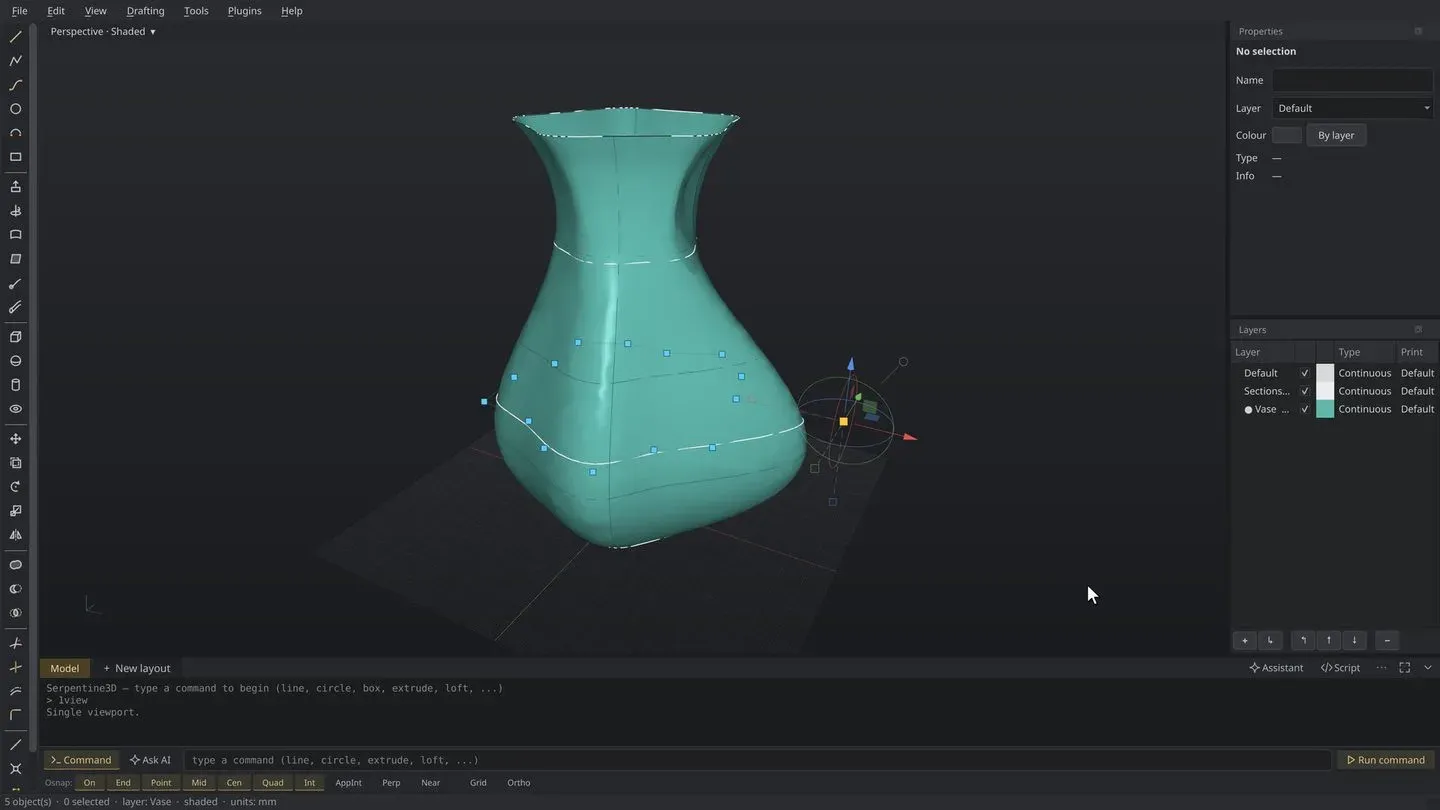
Free CAD modeler for precise curves, smooth surfaces and solid models, with four views at once.
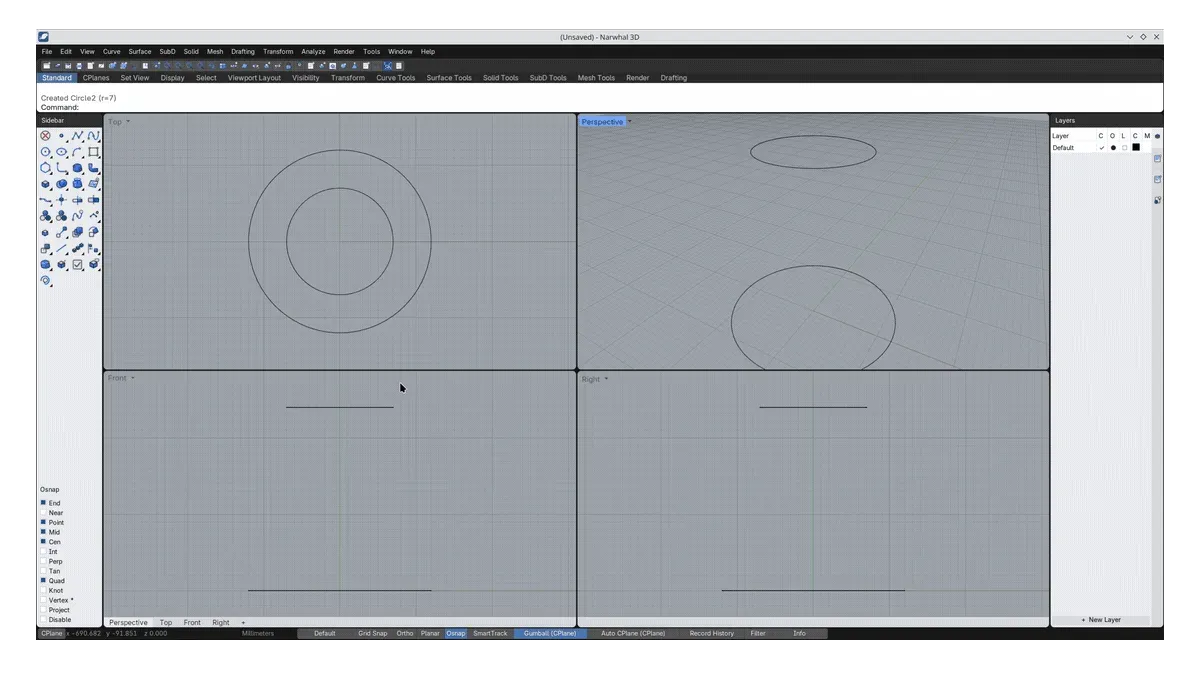
Image: Narwhal 3D
What works the same as Rhino
- Draw with the mouse, type a command or pick a tool from the sidebar.
- Extrude a profile, loft between curves or sweep a section along a rail.
- Combine or subtract shapes, drill openings and round edges with fillets.
- Move, rotate, scale and extrude with the on-screen handles of the gumball.
- Besides its own .narwhal files, it handles .3dm, DXF, SVG, OBJ, STL, STEP and CorelDRAW.
What is missing
- The project is an early preview and some tools are incomplete.
- Some solids cannot yet be exported as exact .3dm geometry; STEP is recommended for those.
- There is no installer yet: the Windows build is a portable EXE.
How to get started
- Click Download for Windows or Download for Linux, depending on your computer.
- On Windows, run the portable EXE; no extraction is needed. SmartScreen may warn because the build is unsigned.
- On Linux, download the AppImage, make it executable with chmod +x, and run it.
Compatible files
Rhino files (.3dm) According to the project