MatLivre
Clone of MATLAB
Free live script editor for MATLAB code, written from scratch in Rust. Opens and runs your .mlx and .m files with results and figures inline.
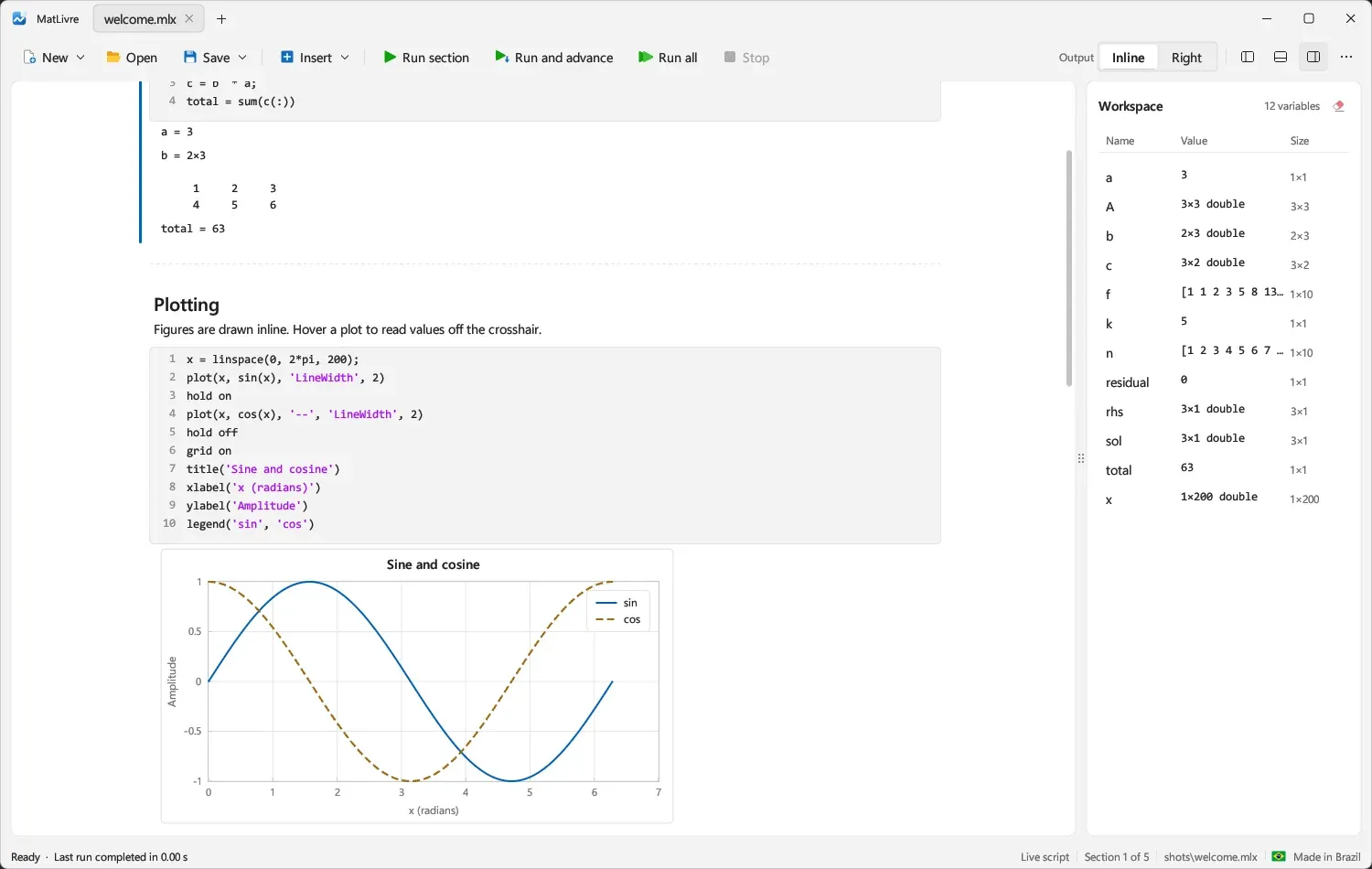
Image: MatLivre
What works the same as MATLAB
- A live script with formatted text, code and results inline, like the MATLAB Live Editor.
- Run a section, run and advance, or run everything, and stop between statements.
- A workspace panel listing your variables, plus a command window and a files panel.
- Plots drawn next to the code: 2-D and 3-D, surfaces, contours, bars and histograms, with a crosshair that reads values off the plot. Saves and reopens .fig files.
- Tables, classes, arrays of every numeric type, ODE solvers and Symbolic Math, with MATLAB display and error messages.
What is missing
- Outputs saved inside .mlx files are not restored when you open one: run the script to get them again. Rich text such as bold, links and equations shows as plain text.
- Some functions are still missing, such as ccode, fortran and DAE index reduction.
- dsolve solves single linear equations only, not systems or nonlinear ones.
How to get started
- Download the installer or the portable zip for Windows, or the AppImage for Linux, from the versions page.
- Run the installer, or unzip the portable file and open MatLivre. It needs no MATLAB, license or Java.
- Open a .mlx or .m file, or try the examples welcome.m, graphics.m and features.m.
- On Mac there is no download yet: install Rust and run the build script.
Compatible files
MATLAB files (.mlx, .m, .mat) According to the project