MaterialCraft
Clone of Substance 3D Designer
Clean-room app to design materials with nodes and preview them in 3D, built like Substance 3D Designer.
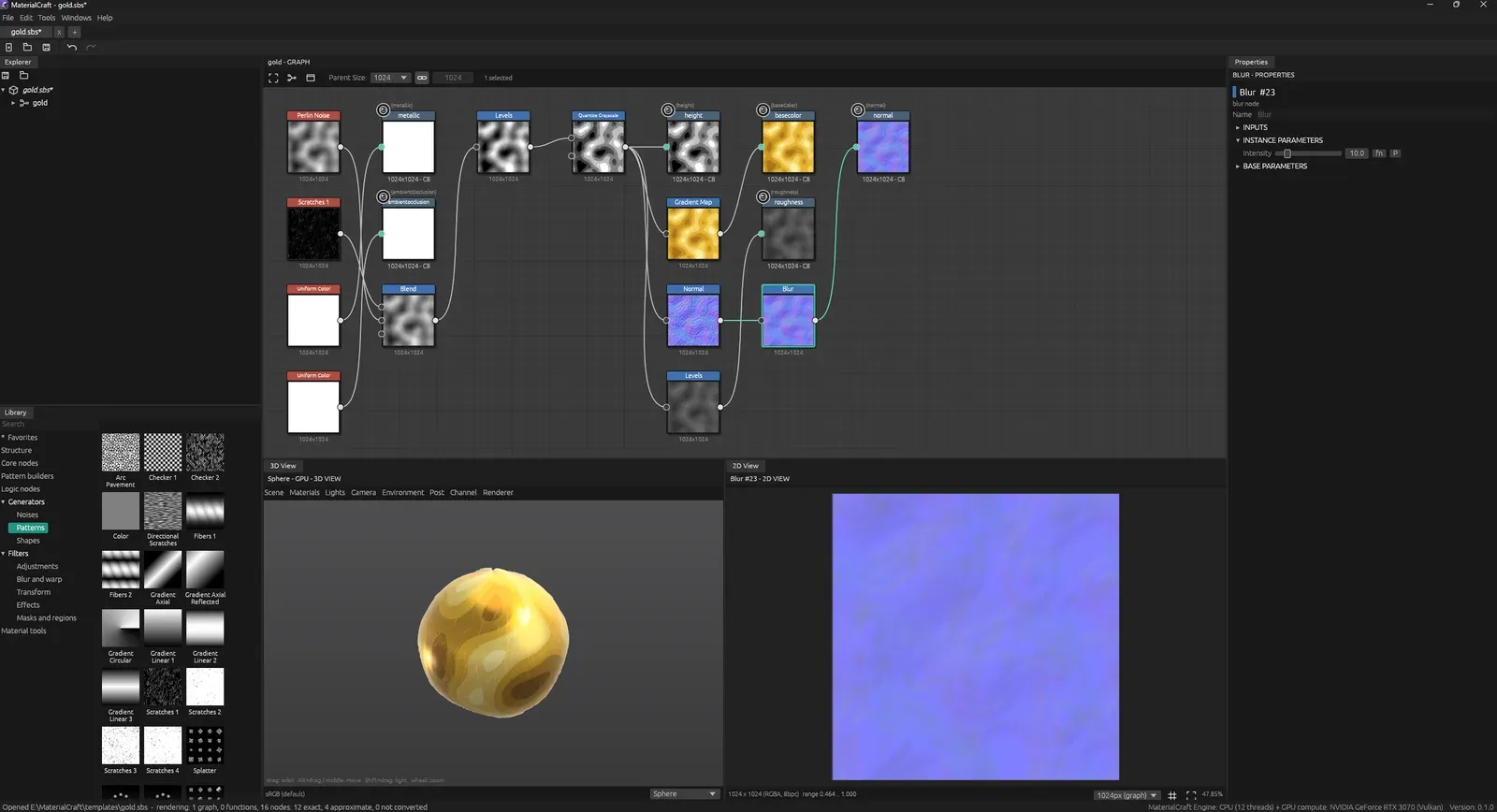
Image: MaterialCraft
What works the same as Substance 3D Designer
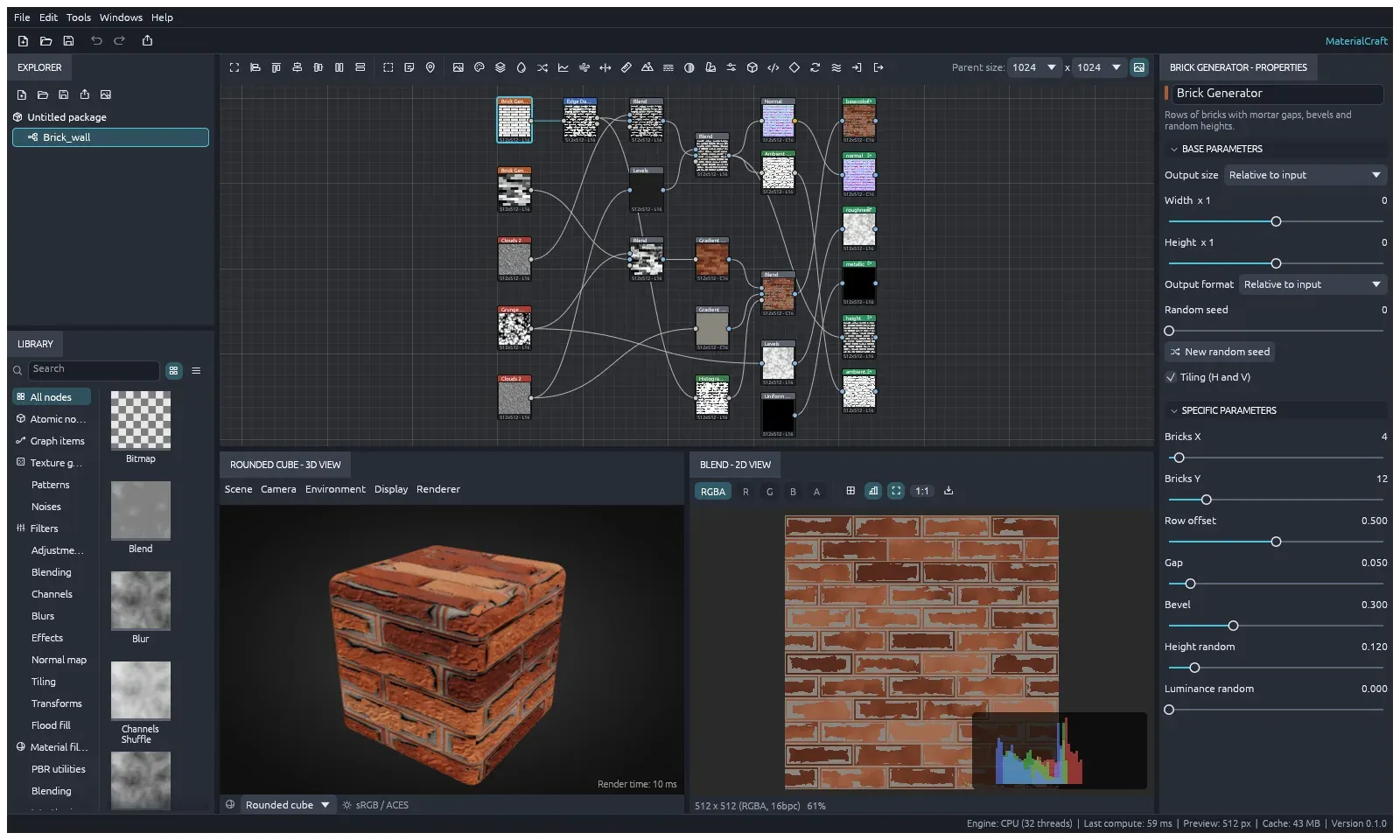
- A node graph, Properties panel, 2D and 3D previews with familiar editing shortcuts.
- Preview materials on built-in shapes or your own mesh with lighting and surface detail.
- Bake maps from meshes and export textures with your chosen resolution and format.
- Hundreds of node types for textures, functions, and pattern programs.
What is missing
- Packaged files in .sbsar format cannot be imported.
- Direct material export to game engines is still on the roadmap.
How to get started
- Click Download. It opens the project versions page.
- On Windows, unzip the file and run materialcraft-gui.exe. If asked, click More info and Run anyway.
- On macOS, drag MaterialCraft to Applications, then right-click and choose Open the first time.
- On Linux, make the AppImage executable and run it.
Compatible files
Substance 3D Designer files (.sbs) According to the project