MacAmp
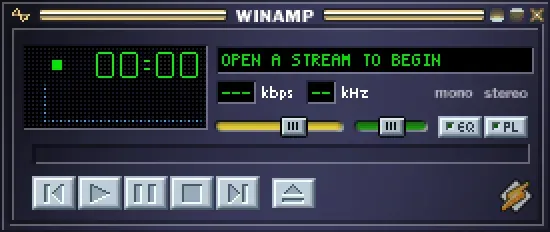
Clone of Winamp
Open-source music player for Mac in the spirit of Winamp: a small window with spectrum, equalizer and internet radio.
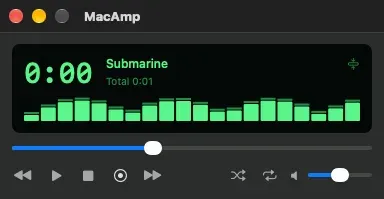
Image: MacAmp
What works the same as Winamp
- A small player window with a time display, title, spectrum, seek bar, buttons and volume.
- A 10-band equalizer with a preamp and presets.
- A thin windowshade mode that turns the player into a bar.
- Playlists you can drag tracks into, and import and export M3U, M3U8 and PLS files.
What is missing
- Ogg Vorbis and Opus files do not play, and tags cannot be edited.
- HLS radio streams use a simpler player, with no equalizer, spectrum or recording.
- ReplayGain works only with the tags of MP3 and M4A files.
How to get started
- You need macOS 26 or later, plus Swift 6.2 from Xcode or the Apple command line tools.
- Get the project's code and open its folder in Terminal. You do not need to open Xcode.
- Run `./build.sh --open` in that folder. It installs MacAmp in ~/Applications and opens it.
- Open the Library and add a folder with your music. MacAmp reads its tags and watches it for changes.
Compatible files
Winamp files (.m3u, .m3u8, .pls) According to the project