Keydeck
Clone of Keynote
Free, open-source presentation app written from scratch in Rust that opens, edits and saves Keynote files, and opens PowerPoint too.
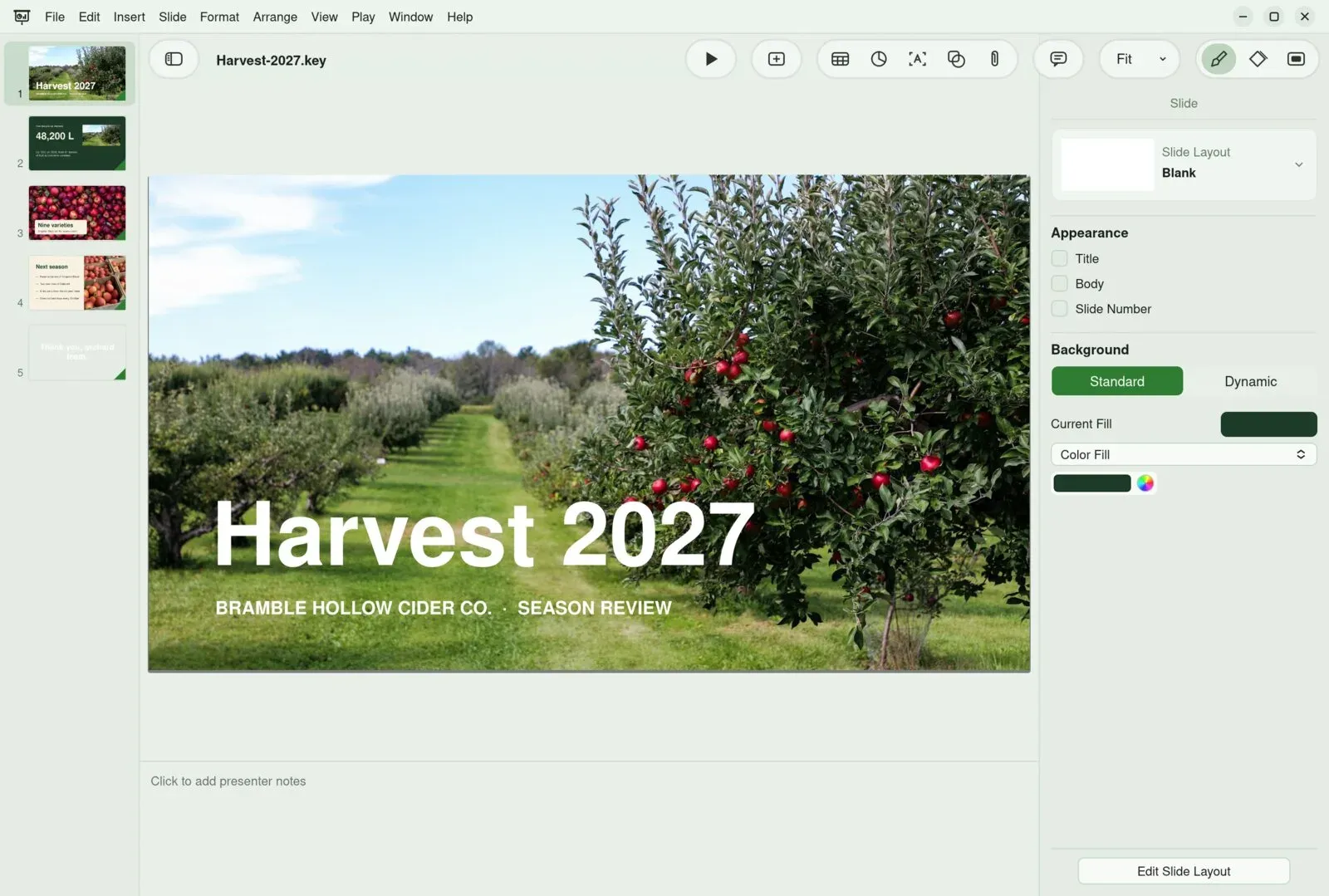
Image: Keydeck
What works the same as Keynote
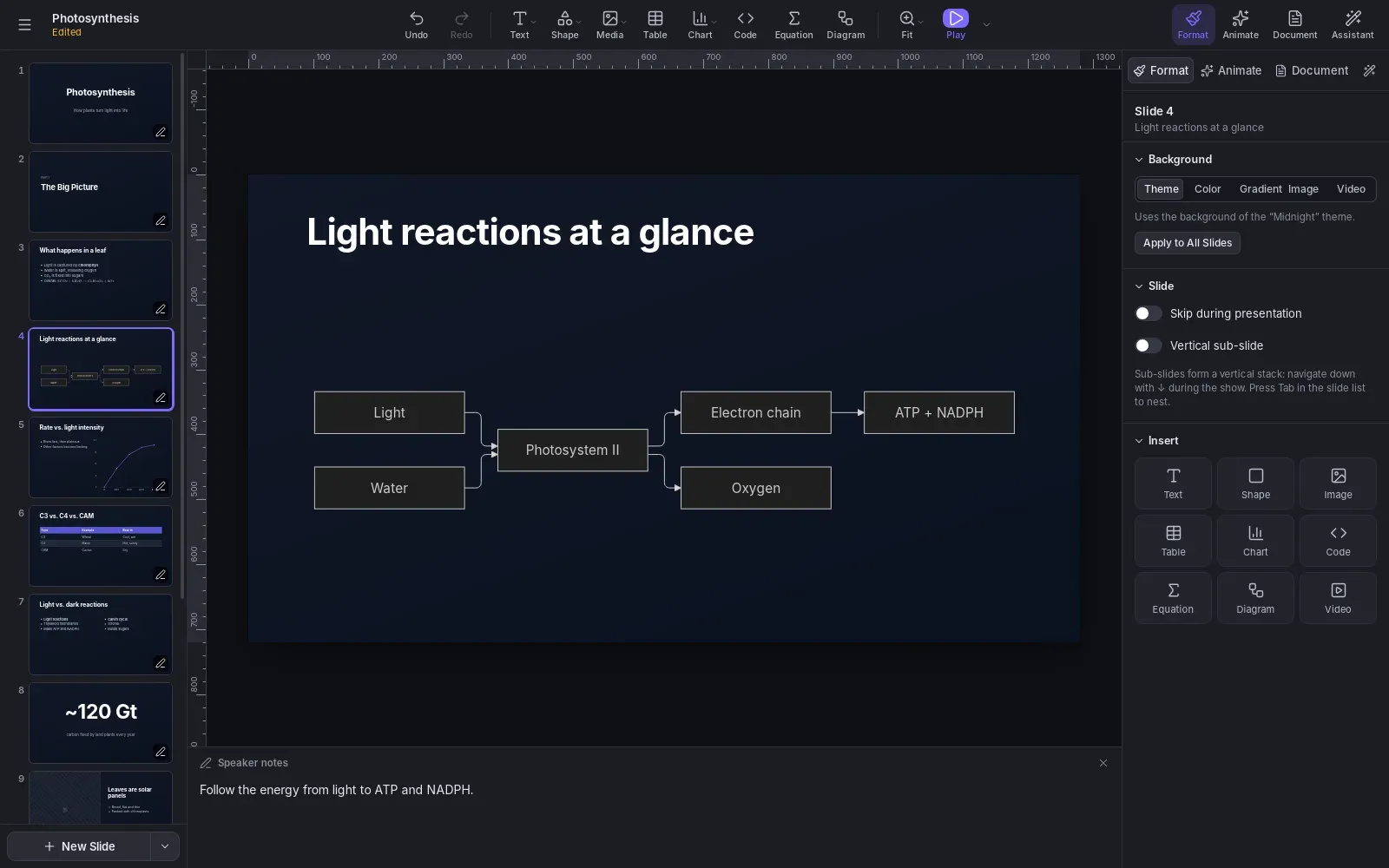
- Menus File, Edit, Insert, Slide, Format, Arrange, View, Play, Window and Help, with slide thumbnails on the left and an inspector on the right.
- Opens and saves Keynote .key files natively, without converting them.
- Transitions and builds, including Magic Move, dynamic backgrounds and 18 built-in themes.
- Presenter notes under the slide and a presenter display for the slideshow.
- Opens PowerPoint .pptx decks and exports back to PowerPoint, PDF, images, movies and animated GIFs.
What is missing
- Some features are still in progress.
- The Android version is in beta: expect some bugs.
How to get started
- Download the zip for Windows or Mac, or the Keydeck AppImage for Linux, from the latest version.
- Windows: unzip it and start keydeck.exe. Mac: drag Keydeck into Applications. Linux: make the AppImage executable and run it.
- The apps are not code-signed yet. On Windows choose More info, then Run anyway; on Mac, right-click the app, choose Open, then Open again.
- Or run the one-command installer on the project page, which sets up Keydeck, Letters and Values.
Compatible files
Keynote files (.key) According to the project