HyCanvas
Clone of Canva
Free design editor in your browser: social posts, presentations, videos and whiteboards, with 140 templates and no watermarks.
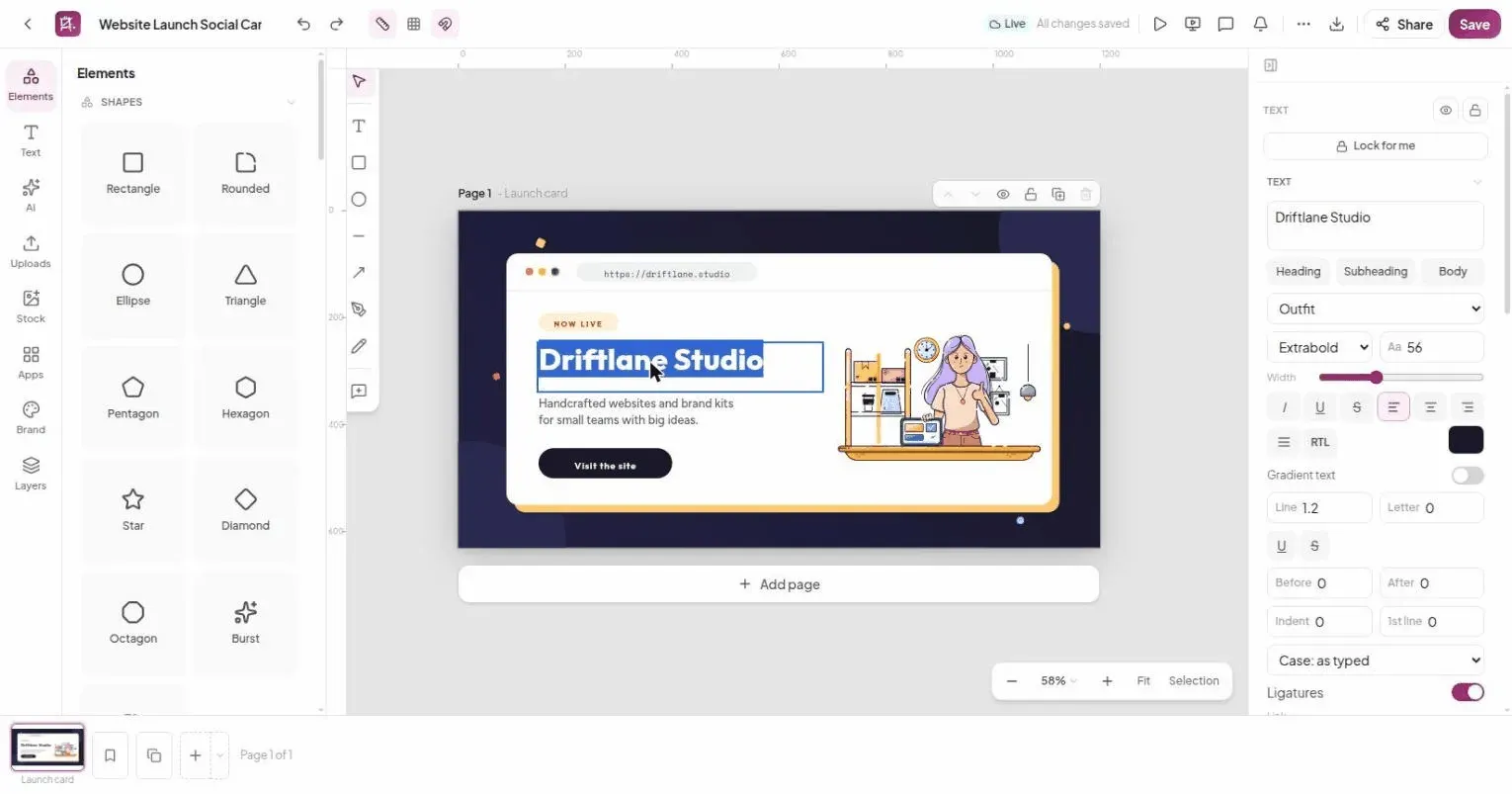
Image: HyCanvas
What works the same as Canva
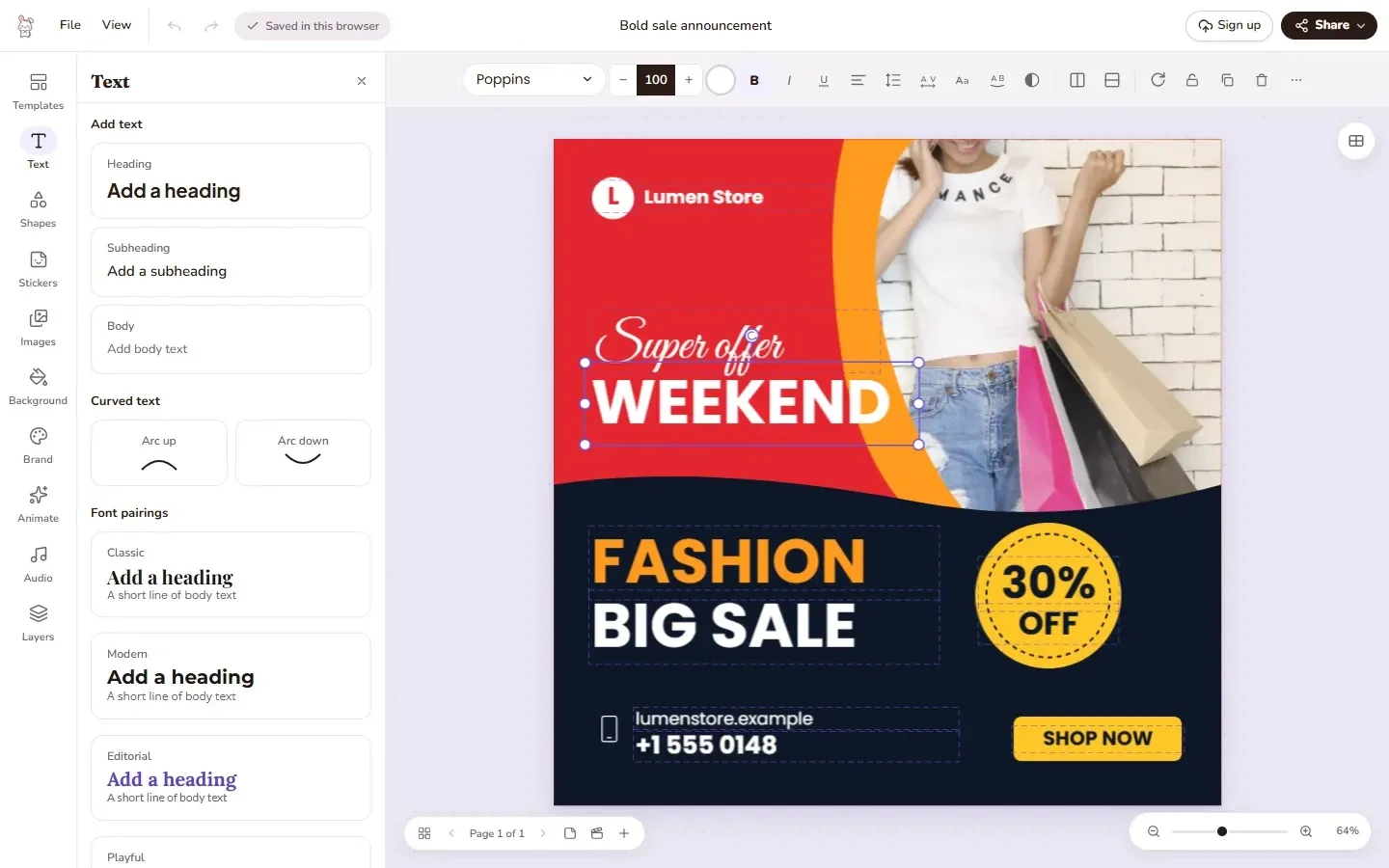
- A design editor with a tools rail on the left and a properties panel that follows your selection.
- Shapes, frames, tables, 9 chart types, QR codes and icons on the canvas.
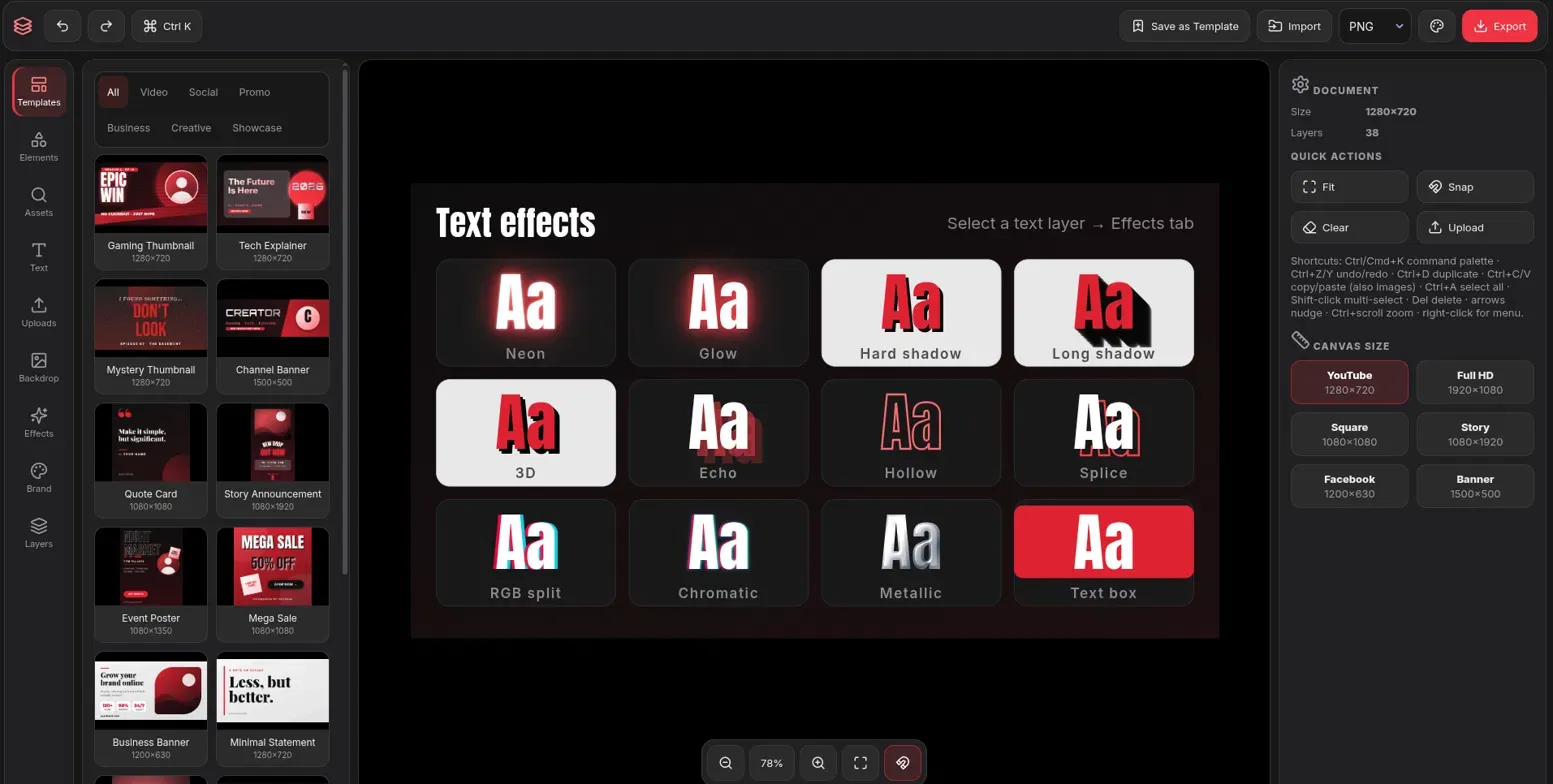
- Text effects, font pairings and your own fonts.
- Start from one of 140 templates, or keep brand kits with your own colors, fonts and logos.
- Export to PNG, JPG, PDF, SVG, PPTX, MP4 or GIF with no watermark, or save a portable .hyc file.
What is missing
- It is still before version 1.0 and changes fast.
- You need a free account to use it.
How to get started
- Click Open in browser, then sign up for free to start designing in the hosted studio.
- To run it on your own computer, download the file for your system and unpack it. You need a PostgreSQL database.
- Run ./hycanvas service start. A setup wizard asks for your database and storage.
Compatible files
Canva projects Not tested yet