CompareCraft
Clone of Beyond Compare
Free tool to compare and merge text files, folders, tables, binaries and images, with side-by-side views and 3-way merge.
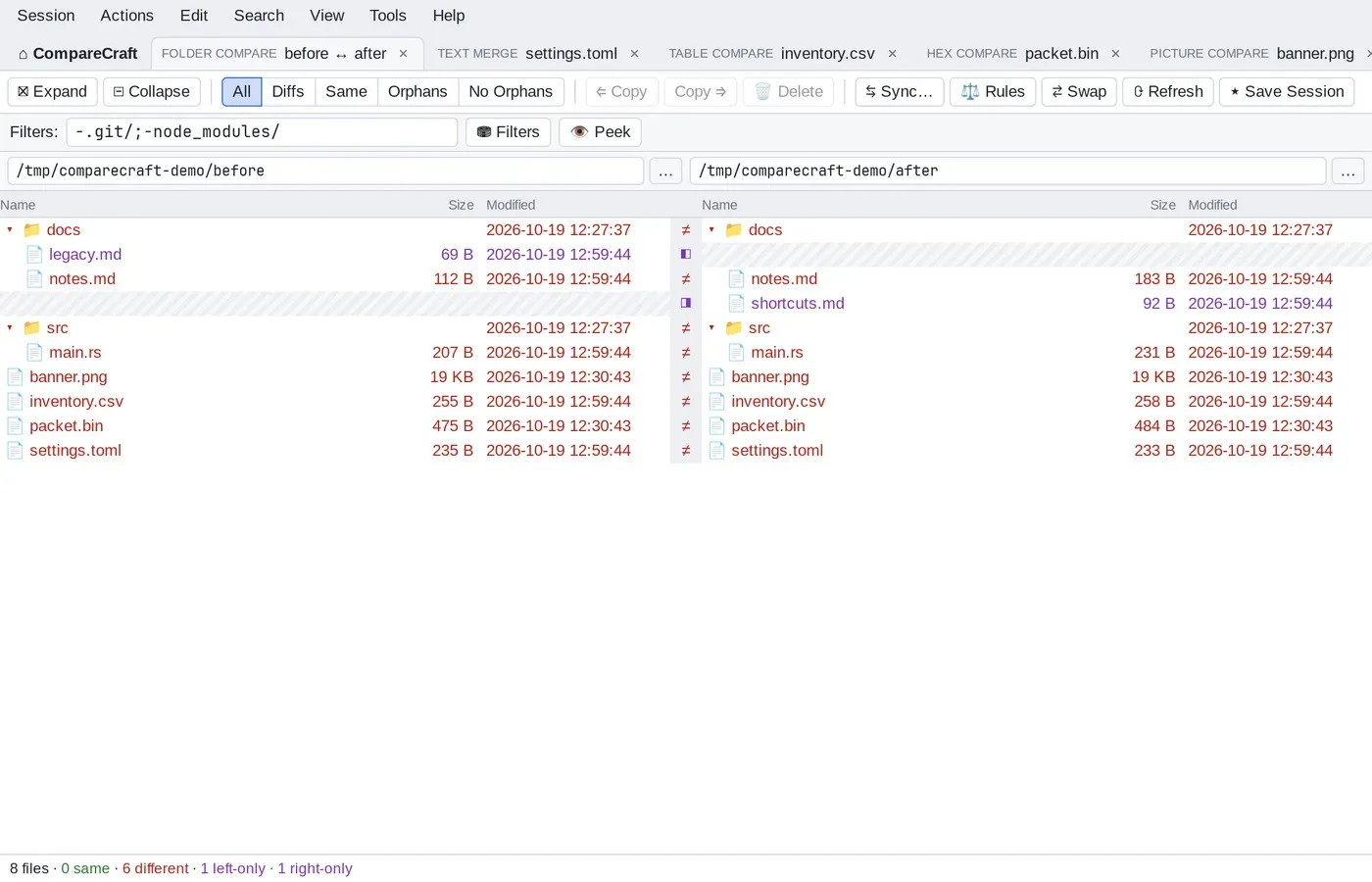
Image: CompareCraft
What works the same as Beyond Compare
- Side-by-side text compare, with highlighting of changes within lines.
- Differences marked as important (red) or unimportant (blue), with rules to decide which is which.
- Folder compare with All, Diffs, Same and Orphans filters, plus folder sync in either direction.
- Three-way text merge: pick left, right, both or base for each conflict.
- Table, hex and picture compare, each in its own tab.
What is missing
- It's early but usable (version 0.1).
- Source-control integration and FTP, SFTP and cloud locations aren't built yet.
- The downloads aren't signed yet, so Windows and Mac warn you the first time.
How to get started
- Click Download and pick the file for your computer: the Windows installer, the Mac .dmg or a Linux AppImage.
- On Windows, if SmartScreen warns you, click More info, then Run anyway. On Mac, right-click CompareCraft in Applications and choose Open.
- Open the app and start a comparison from Home, or reopen a saved session.
Compatible files
Beyond Compare projects Not tested yet