CncCraft
Clone of Vectric Spark
Free clean-room reimplementation of Vectric Spark for macOS, Linux and Windows: draw your part, add toolpaths, preview in 3D and export G-Code.
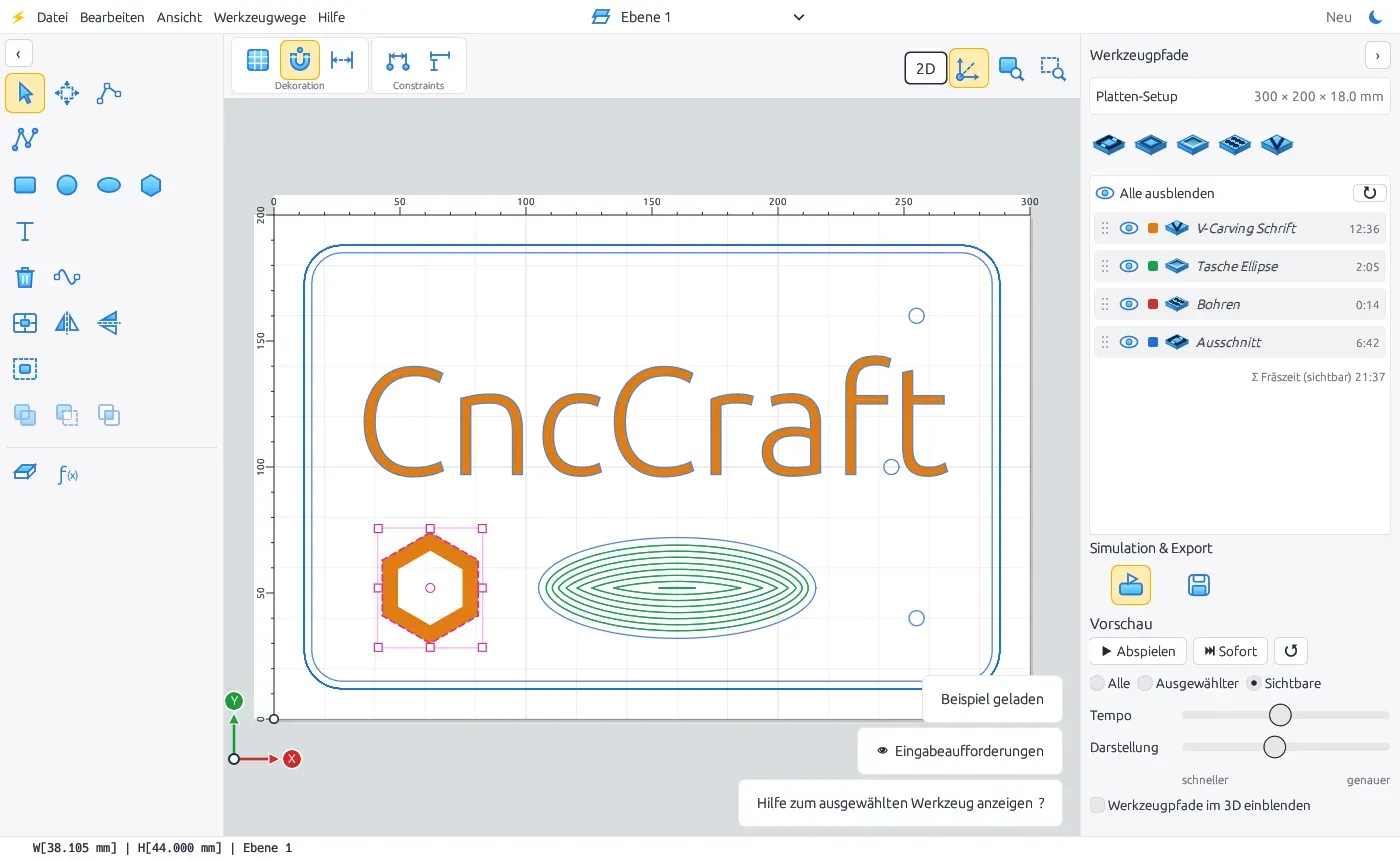
Image: CncCraft
What works the same as Vectric Spark
- A vertical toolbar on the left to select, edit nodes and draw rectangles, circles and text, with snapping options on top.
- A toolpaths panel on the right, with a hide-all option and a list of toolpaths you can show or hide.
- Toolpaths for profile, pocket, V-carving, drilling and cut-out, with a tool library and time estimates.
- A real-time 3D milling preview, with a play button and a speed slider.
- Import DXF files, and export DXF, SVG and G-Code for GRBL.
What is missing
The project does not say what is missing
How to get started
- Click Download to open the project site, then get the latest version for your system.
- On Windows, run the setup file and follow the steps.
- On Linux, install the .deb file or unpack the .tar.gz file.
Compatible files
Vectric Spark projects Not tested yet