BIMCraft
Clone of Revit
Free clean-room building design program that works like Revit: walls, doors, rooms, plans, sections and sheets from one model, with Revit's ribbon and shortcuts.
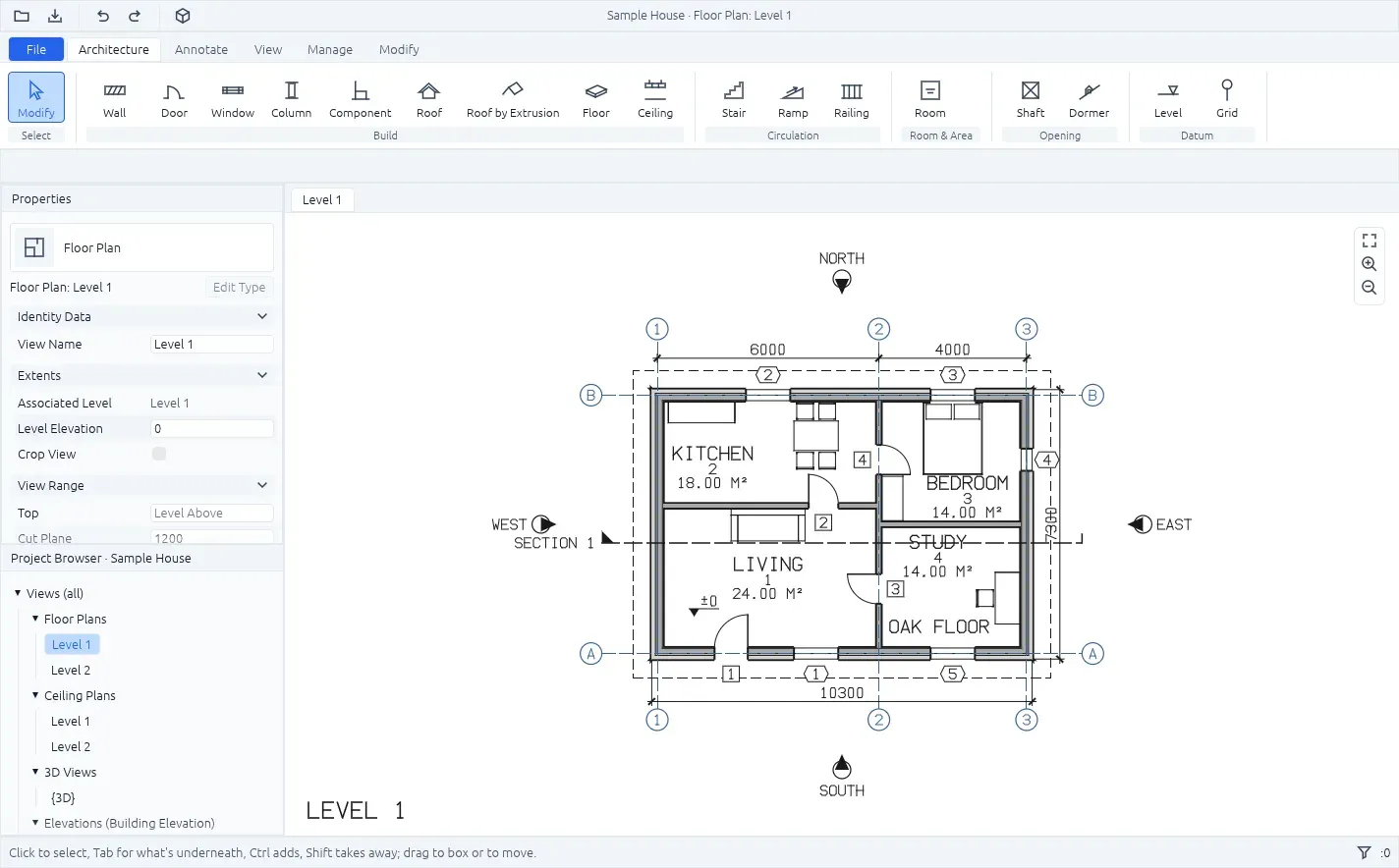
Image: BIMCraft
What works the same as Revit
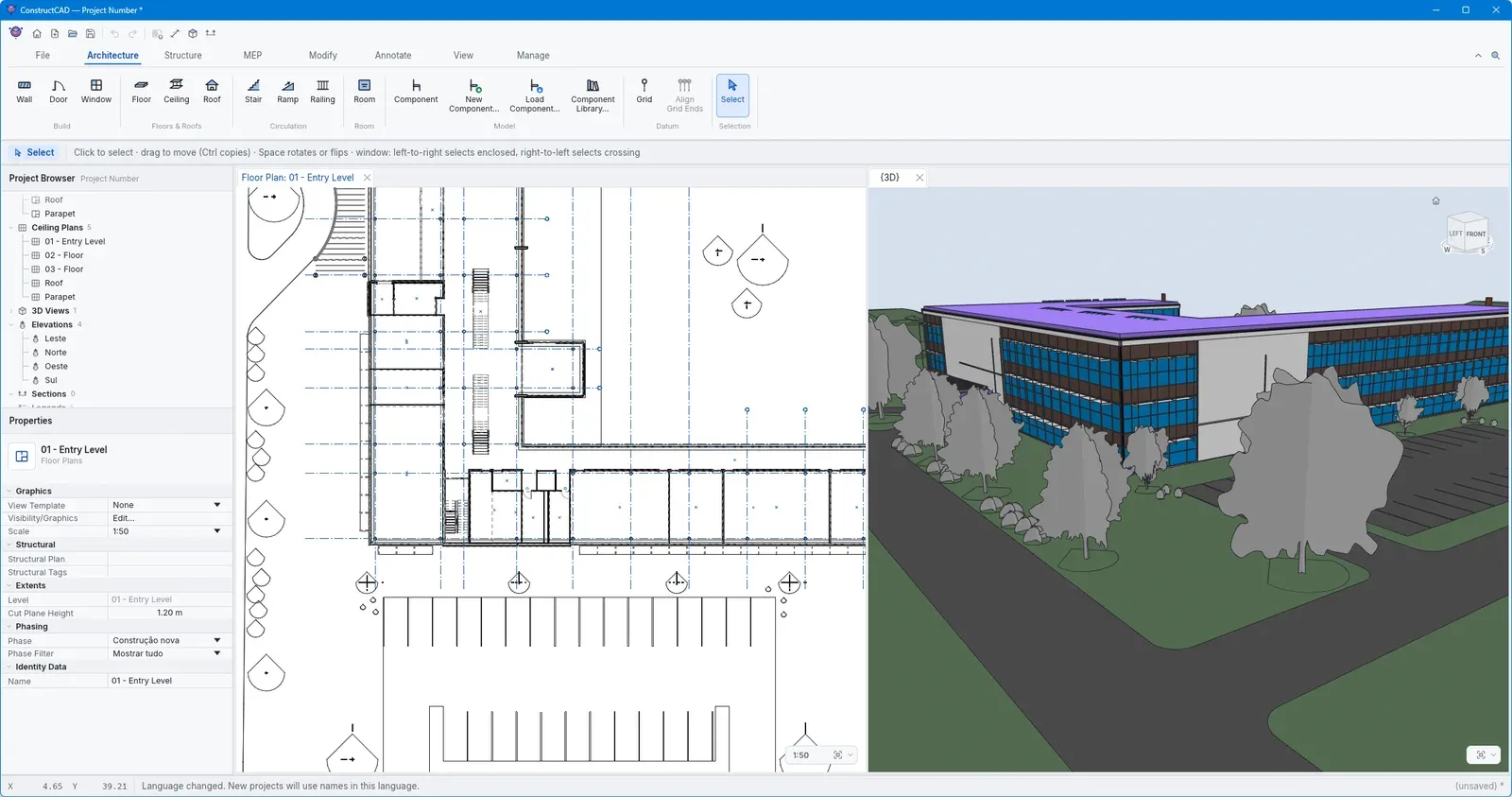
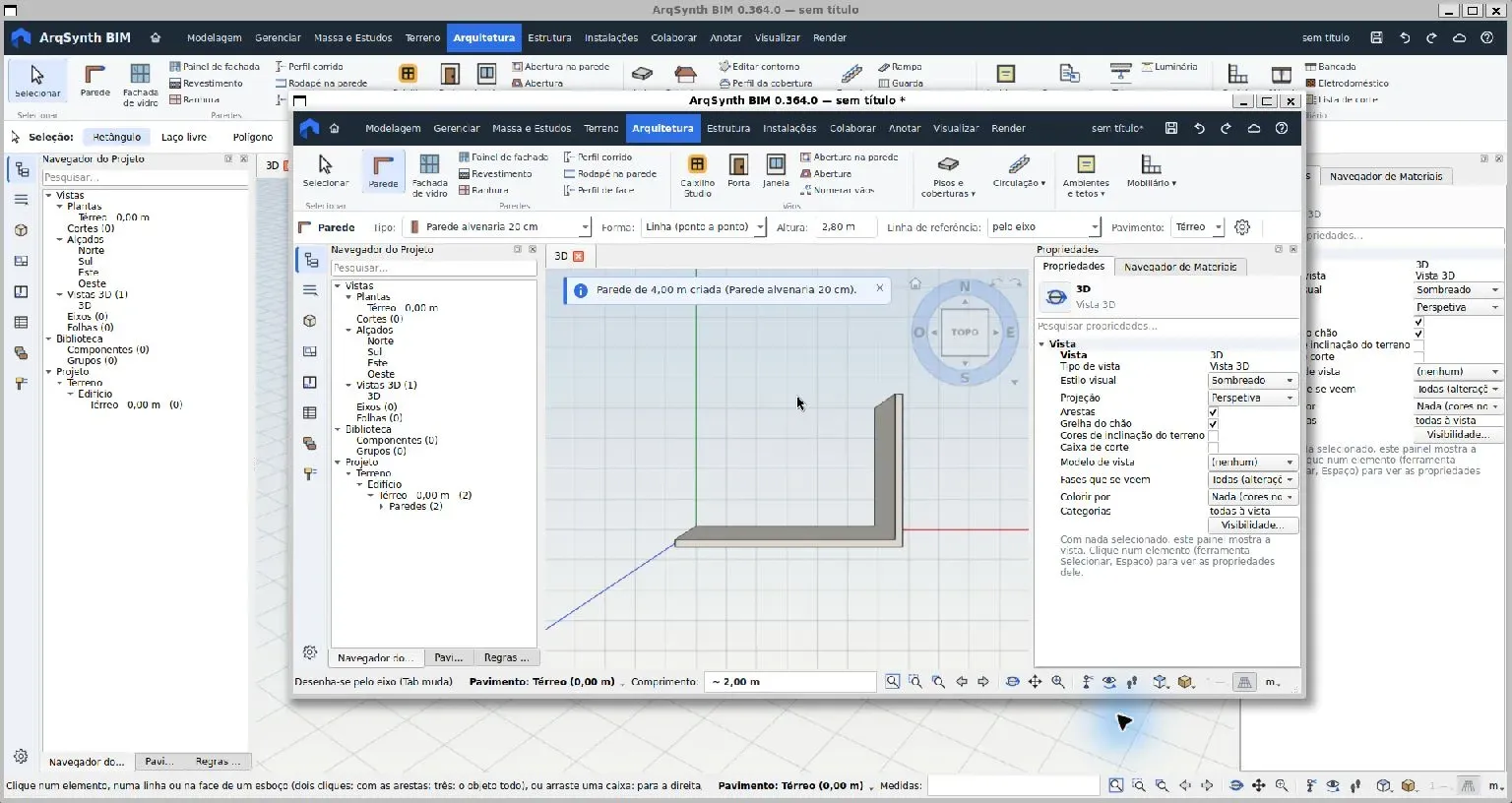
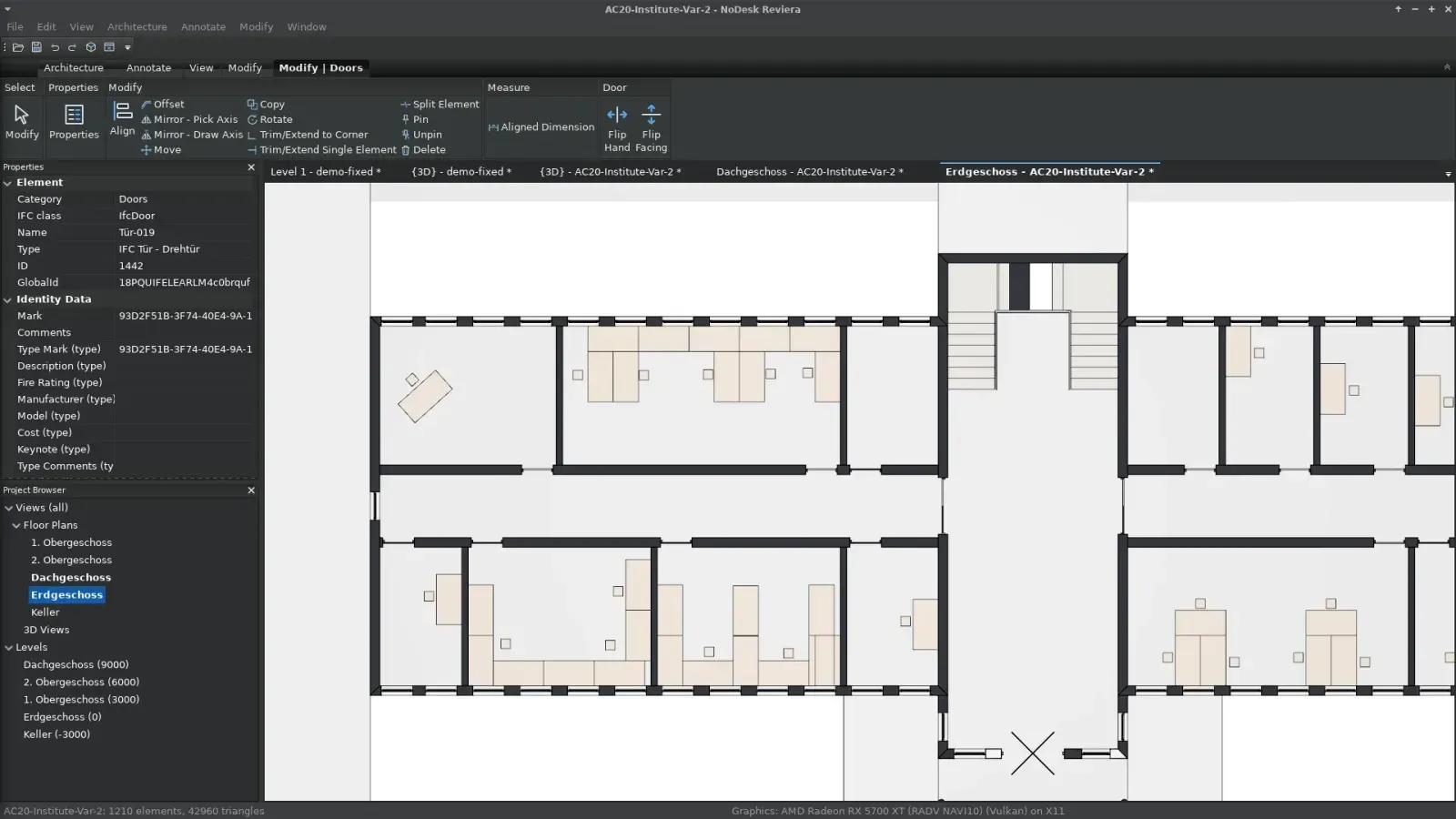
- Revit's layout: a ribbon with a green Modify tab, the Options Bar, Properties and the Project Browser.
- Revit's shortcuts, like WA for walls, DR for doors and WN for windows.
- Walls, doors, windows and rooms stay connected when you change them.
- Plans, sections, elevations and a 3D view, placed on sheets and printed to PDF.
- Room, door and window schedules, the way Revit's Schedule/Quantities makes them.
What is missing
- It only reads Revit's own .rvt files, leaving some content out; it saves projects as IFC.
- The Mac app hasn't been tried by hand yet, and the Windows installer isn't code-signed.
- It's in early development.
How to get started
- Click Download and get the Windows installer.
- Windows warns you the first time: click "More info" and then "Run anyway".
- Open BIMCraft from the Start menu and start a project, or open an IFC file you already have.
Compatible files
Revit projects Not tested yet