BaseCraft
Clone of Access
Free desktop database app in the spirit of Access: build tables, queries, forms and reports in a single file.
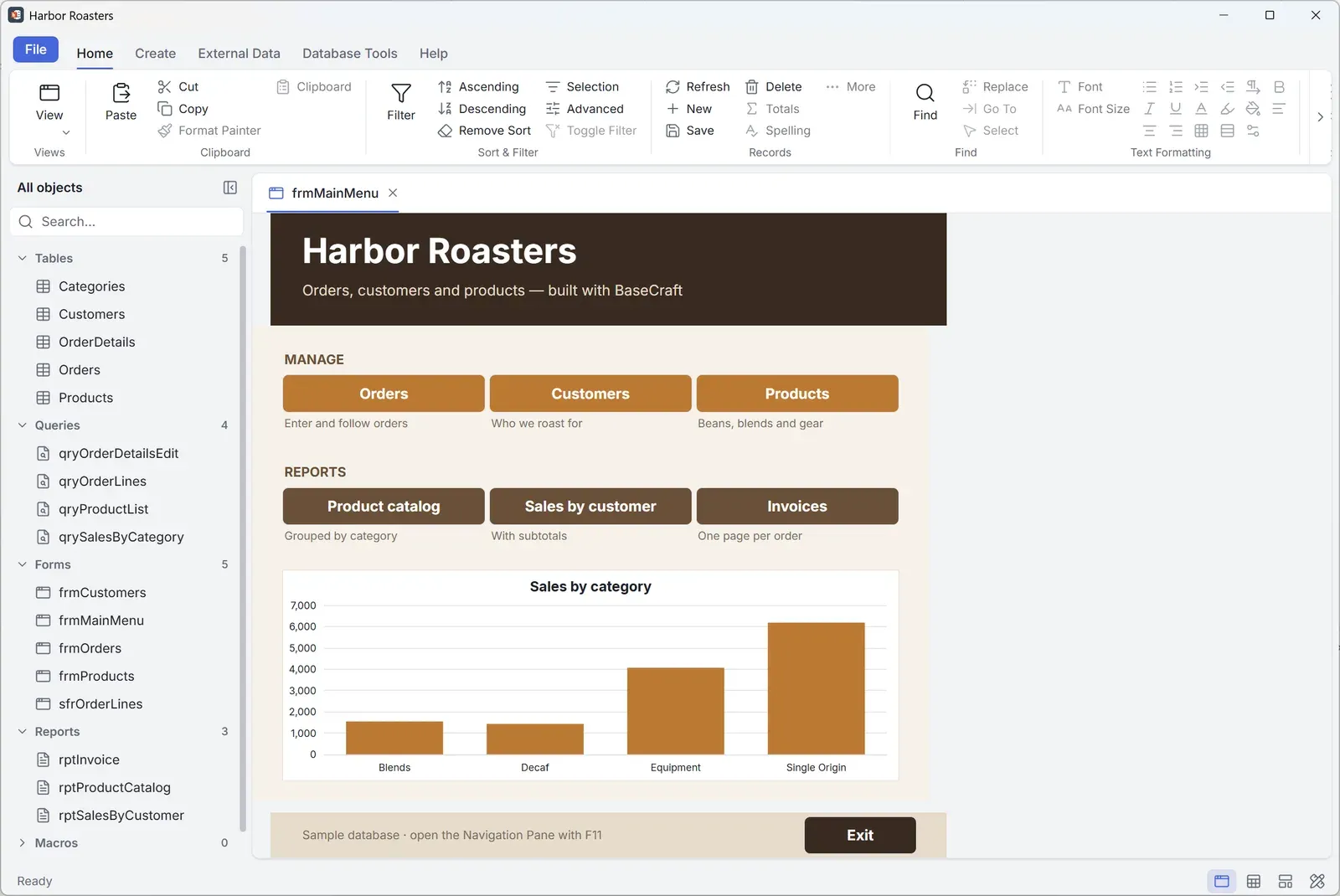
Image: BaseCraft
What works the same as Access
- A ribbon with File, Home, Create, External Data, Database Tools and Help, and Home groups such as Records and Sort & Filter.
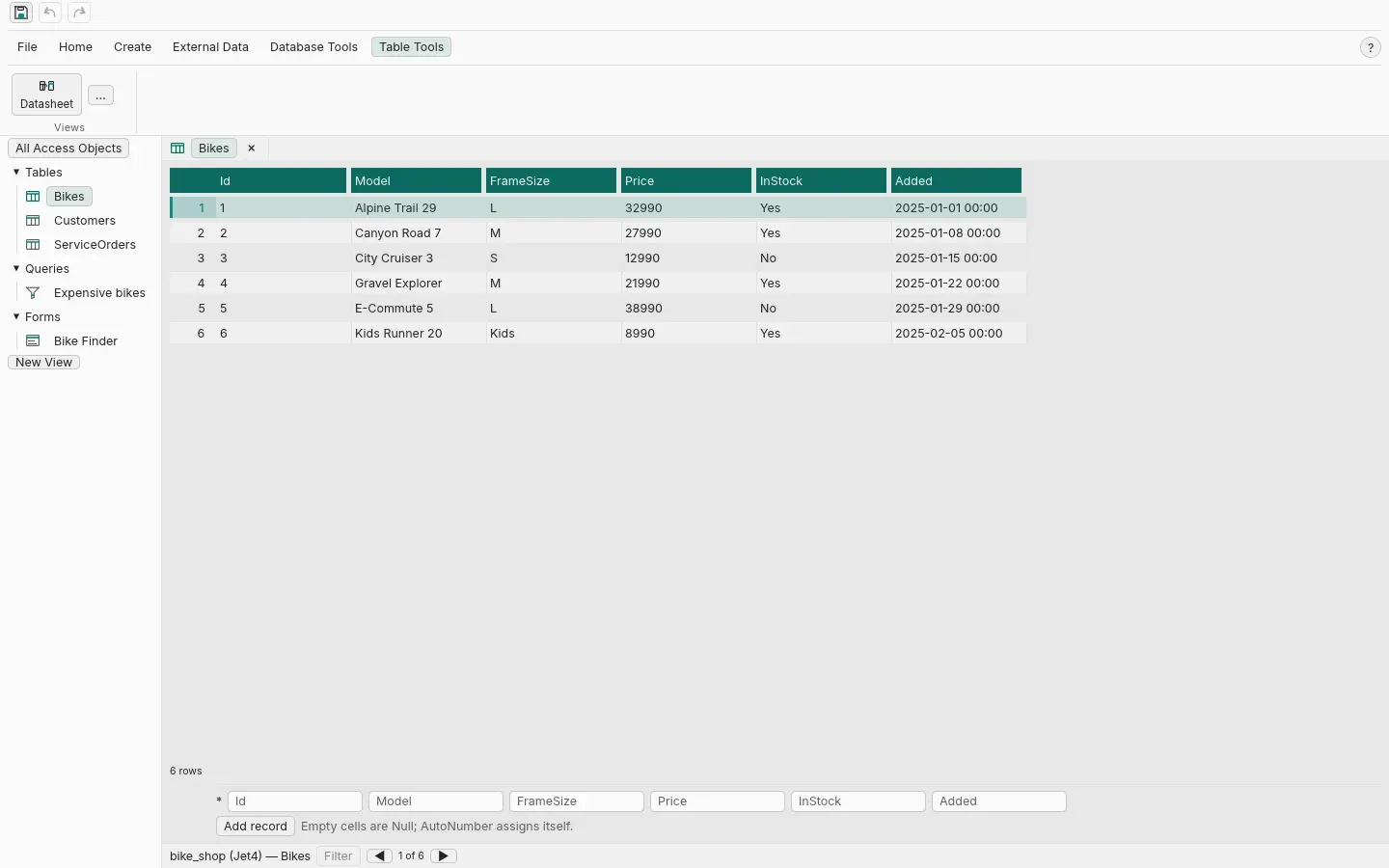
- A navigation pane called All objects, with Tables, Queries, Forms, Reports and Macros, and each object opens in a tab.
- Design view and run view for every object, a query design grid, a datasheet and property sheets.
- Forms with subforms, and reports with grouping and totals.
- Links the tables of Access files (.accdb and .mdb) so you can read them.
What is missing
- Importing a whole Access database is not done yet.
- There is no VBA. It uses Python instead.
- There is no web or phone version.
How to get started
- Click Download to open the versions page. This is an early preview, so keep backups of your data.
- On Windows, run the Setup file. SmartScreen may warn you: click More info, then Run anyway.
- On Linux, get the deb file or the AppImage. Make the AppImage executable, then open it.
- Start a new database, or open a .basecraft file you already have.
Compatible files
Access files (.accdb, .mdb) According to the project